
WC Korkmaz Contract – Contracts for WooCommerce

WC Korkmaz Contract – Contracts for WooCommerce

توسط

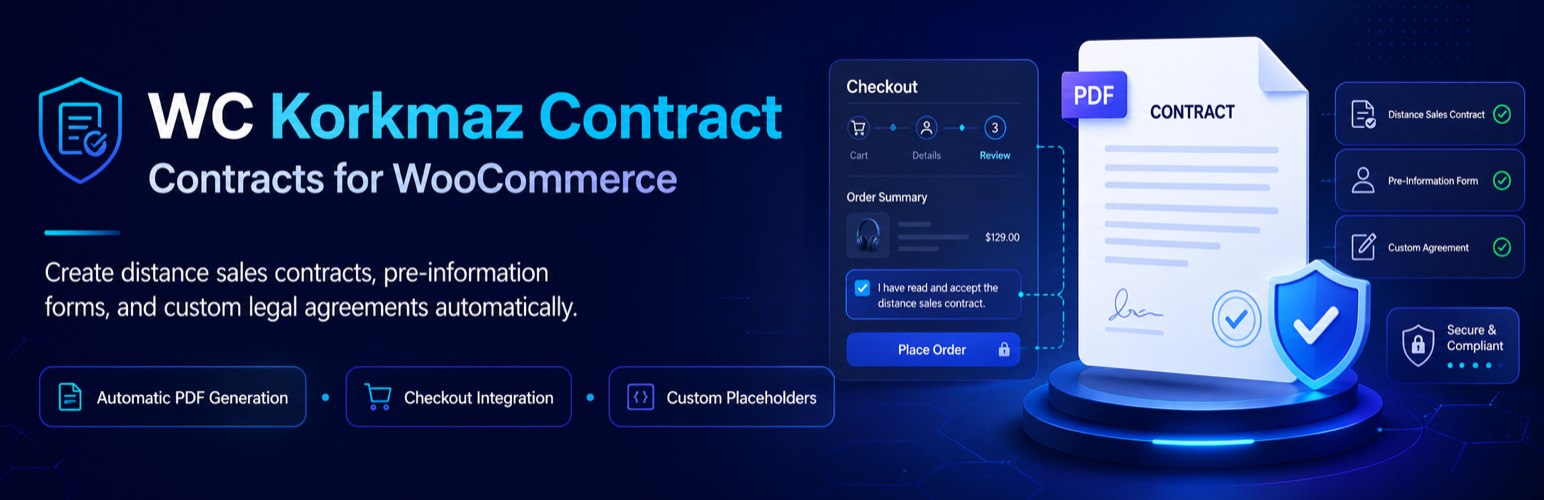
This plugin lets you create distance sales contracts, pre-information forms, and fully custom legal contracts for WooCommerce. It automatically fills the contracts at checkout and emails them as PDF attachments after order confirmation.

  • Fully compatible with WooCommerce’s new block-based checkout.
  • Add and edit legal contracts from the WordPress admin.
  • Insert any order/customer/store data into any part of your contract via placeholders.
  • Automatically generate contracts on the checkout page.
  • Automatically send contracts in PDF format upon order confirmation.
  • View past contracts on both admin and customer order pages.
  • Store emailed PDFs under the WordPress uploads directory and serve customer downloads through protected links.

Localization

This plugin is translation-ready. Source strings are in en_US (English – United States).
Contribute translations here:
https://translate.wordpress.org/projects/wp-plugins/wc-korkmaz-contract/

External Services

  • yemlihakorkmaz.com/sozlesmeornek.txt — used to fetch the default contract template.
    Data sent: none (HTTP GET). Privacy: https://yemlihakorkmaz.com/privacy

This external request is used only when contract templates are empty and the plugin needs a sample template.

  1. Download the plugin here or install it from Plugins Add New in your WordPress dashboard.
  2. (Manual) Upload and extract the archive into /wp-content/plugins/.
  3. Go to Plugins Installed Plugins and click Activate.
  4. A new Contracts menu will appear in the admin — add your contracts there.

سوالات متداول

Is it completely free to use?

Yes. The plugin is completely free to use. No charges apply.

I don’t want PDFs to be sent via email. Can I disable this?

Yes. There is a setting on the plugin’s settings page to disable PDF email attachments.

How are stored contract PDFs protected on Apache and Nginx?

The plugin writes an Apache .htaccess rule into the contract PDF folder and serves customer/admin downloads through protected WordPress URLs. Nginx does not read .htaccess, so the settings screen includes a direct-access security check and a copyable Nginx location rule for your server block.

How can I disable the ID/Tax number fields?

Use the option on the plugin’s settings page to hide or disable those fields.

I need more support. What should I do?

Please email: yemlihakorkmaz@hotmail.com

×
نظری برای این آیتم موجود نیست.
0 0 رای ها
امتیازدهی
اشتراک در
اطلاع از
0 نظرات
قدیمی‌ترین
تازه‌ترین بیشترین رأی
هیچ نسخه‌ای برای این آیتم موجود نیست.
★★★★★
★★★★★
5.0 /5 (22 نظر)

قیمت:

رایگان

نگارش

آخرین انتشار

15 اردیبهشت 1405

آخرین بروزرسانی

4 ماه پیش

نصب های فعال

600+

نگارش وردپرس

وردپرس 6.0+

تست شده از نسخه

وردپرس 6.9.4

نگارش PHP

PHP 7.4+

نسخه ها

0 نسخه




