
WCM User Language Switcher

WCM User Language Switcher

توسط

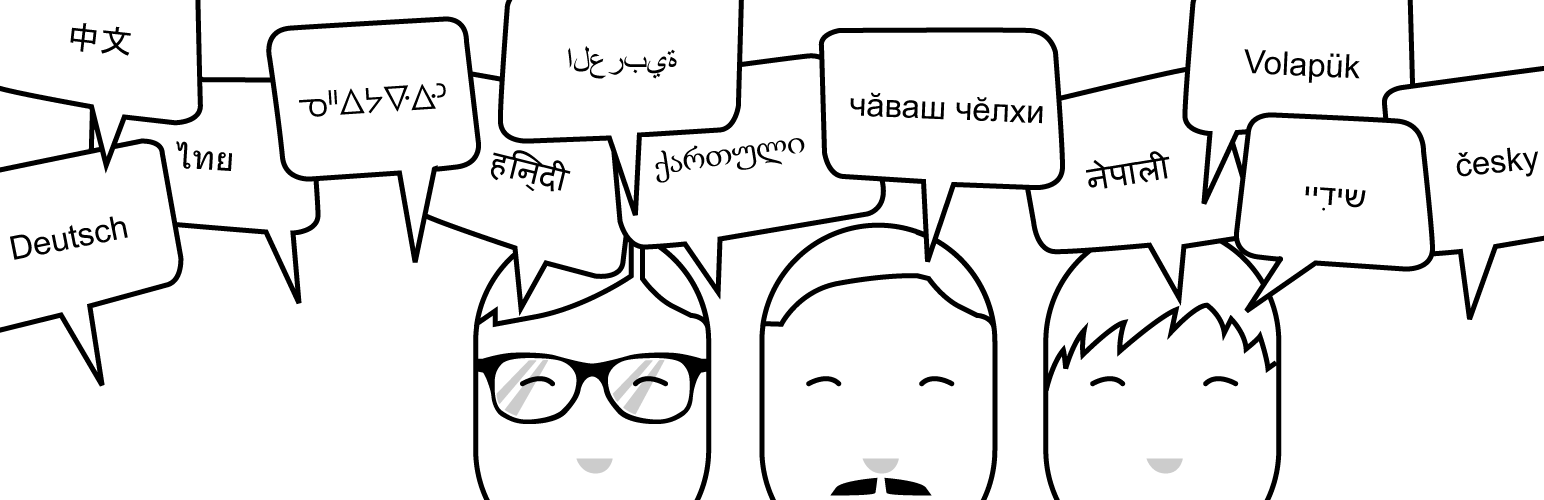
WCM Language Switcher adds a button to the admin toolbar that allows users to seamlessly switch between available languages.

WeCodeMore (WCM) is your label for high quality WordPress code from renowned authors.

If you want to get updates, just follow us on…

Extract the zip file and just drop the contents in the ~/wp-content/plugins/ directory of your WordPress installation and then activate the Plugin from Plugins page.

It scans the language directory to build the list of available languages. To add a language, simple download the appropriate mo file and add to your WordPress language folder.

This plugin was originally built as a means of plugin and theme developers to test translations of their plugins or themes.

سوالات متداول

Filters

If you want to extend the list of available languages, then please use the provided filter. Here’s an example (mu)plugin:

    <?php
    /* Plugin Name: (WCM) Add additional languages */
    add_filter( 'wcm_get_langs', 'wcm_add_languages' );
    function wcm_add_languages( $languages )
    {
        return array_merge( $languages, array(
            'de_DE', // German
            'es_ES', // Spanish
            'ja',    // Japanese
        ) );
    }

×
نظری برای این آیتم موجود نیست.
0 0 رای ها
امتیازدهی
اشتراک در
اطلاع از
0 نظرات
قدیمی‌ترین
تازه‌ترین بیشترین رأی
بازخورد (Feedback) های اینلاین
مشاهده همه دیدگاه ها
نسخه حجم فایل SHA256 تغییرات دانلود
1.8.1 2 مگابایت -
دانلود
×
★★★★★
★★★★★
5.0 /5 (8 نظر)

قیمت:

رایگان

نگارش

1.8.1

آخرین انتشار

18 اردیبهشت 1405

آخرین بروزرسانی

2 ماه پیش

نصب های فعال

100+

نگارش وردپرس

وردپرس 3.6.1+

تست شده از نسخه

وردپرس 4.1.42

نگارش PHP

-

نسخه ها

1 نسخه




