
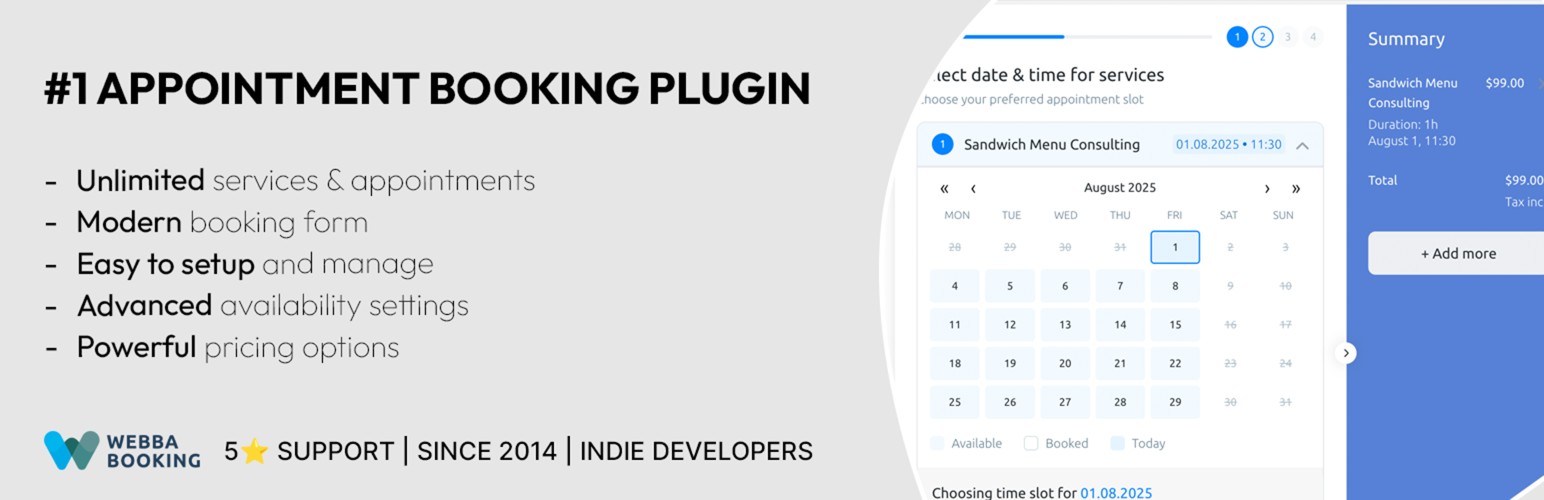

Ultimate Appointment Booking, Reservation & Scheduling Calendar Plugin
Webba Appointments Booking is a powerful appointment booking system and scheduling plugin.
Webba allows businesses to accept and manage appointment bookings, reservations, hourly bookings for variety of services, rentals, spaces.
It offers the essential features that will make accepting and managing online bookings and reservations on your website super easy.
Setup in 5 minutes and start accepting bookings and reservations without any coding or design skills!
Join thousands of businesses that use Webba to accept and manage bookings through their WordPress website.
Our world-class support is ready to help you have the best experience with Webba.
TRY PREMIUM VERSION | USE CASES & DEMOS |
FEATURES | DOCUMENTATION
WHO IS THE WEBBA BOOKING PLUGIN FOR?
Webba Booking is a powerful WordPress booking plugin built for businesses and professionals who need a reliable appointment booking, scheduling, and reservation system.
Whether you provide services online or in person, Webba helps you accept bookings 24/7, avoid double-bookings, and manage your schedule with ease.
- Salons and Beauty Professionals: Hair salons, nail salons, yoga studios, pilates studios, barbershops, spas, massage therapists, tattoo and piercing studios, tanning salons, cosmetologists.
Webba provides automated reminders so clients never miss appointments, secure online payments to confirm bookings, and calendar synchronization to avoid double-bookings. - Consultants and Business Professionals: Coaches, lawyers, psychologists, bookkeepers, financial advisors, wedding planners.
Consultants love features like recurring appointments for regular clients, group bookings to handle sessions efficiently, and Zoom integration for virtual meetings. - Healthcare and Medical Providers: Doctors, dentists, therapists, nutritionists, clinics, physiotherapists, homeopaths.
Healthcare professionals use custom booking forms and secure data management to handle appointments while staying GDPR compliant. - Education and Training: Tutors, language schools, play rooms, private teachers, driving schools, music instructors.
Education providers benefit from availability calendars, group class bookings, and automated reminders to manage lessons and keep students informed. - Fitness, Sports and Gyms: Yoga instructors, personal trainers, dance studios, fitness classes, golf lessons, sports coaches.
With Webba, fitness professionals can accept bookings around the clock, offer discount coupons, and send reminders to maximize attendance. - Coaching and Online Services: Life coaches, online consultants, therapists, digital service providers.
Coaches appreciate Webba’s virtual session booking, secure payment integrations, and easy-to-use scheduler that lets clients book from anywhere. - Personal and Professional Services: Photographers, cleaning services, catering, automotive repairs, event planners, musicians.
Webba’s straightforward booking system, calendar view, and automated notifications handle scheduling so providers can focus on delivering quality service.
Unlock PREMIUM features with Webba Booking Premium.
MAIN FREE FEATURES INCLUDED IN WEBBA BOOKING LITE:
- Unlimited Services and Bookings: add as many bookable services/events as you want and categorize them for your and/or your customers’ convenience.
- Modern booking calendar form: clean and modern booking form design that looks great on all devices.
- Easy bookings management: approve, add, edit, cancel any bookings with a few clicks.
- Adjustable business hours & holidays: have complete control on your own availability with our powerful schedule tools.
- Buffer/preparation time: add extra time before or after an appointment for preparation.
- Basic Email notifications: automatically send confirmation emails to you and your customers.
- Translation ready: Webba offers built-in translations and WPML compatibility.
- GDPR (EU) ready: we offer advanced privacy and data protection settings.
- Export booking to CSV: export your bookings to CSV file for external management.
MAIN PREMIUM FEATURES INCLUDED IN WEBBA PREMIUM:
- Multiple appointment bookings (Cart): simplify scheduling by allowing customers to book multiple services or appointments at once and complete them in a single, hassle-free checkout.
- Group Bookings: allow multiple people to book the same time slot (perfect for classes and events).
- Advanced Pricing Rules: set dynamic pricing based on time, day, demand, and more.
- Appointment Reminders: reduce no-shows by sending automated email reminders to your customers.
- Two-way Calendar sync: sync Webba with your calendar and manage your appointments without any double-bookings.
- Accept payments: secure online payment integrations with Paypal, Stripe, or Woocommerce (with 100+ payment gateways).
- Conversion Tracking with Google Analytics: automatically track bookings and conversion events with GA4 integration.
- Custom Form Fields: enhance your booking form with variety of different form fields (comments, drop downs, checkmarks, file upload etc.) using our Custom Form Builder.
- User Dashboard: let your customers easily manage their bookings by rescheduling or canceling them.
- Zoom Integration: create automatic zoom video conferencing events and attach them to the booking confirmation.
- Track performance through statistics: track and visualize how many bookings you get over time.
- Offer Coupons: whether it’s Black Friday or your Birthday sale – offer promotional coupons through Webba!
- Send SMS reminders: send appointment confirmations and reminders using SMS provider Twilio.
- WooCommerce Integration: integrate with WooCommerce directly and offer your own checkout experience.
- Manage Taxes and Invoices: enable tax calculation, generate and send professional invoices to your customers automatically.
Unlock PREMIUM features with Webba Booking PREMIUM.
Explore the full list of Webba Booking features.
OUR CUSTOMERS LOVE US!
We are proud to have near perfect 5/5 score on both WordPress and Trustpilot:
-
“The customer service for this plugin is phenomenal!
The customer service for this plugin is absolutely second-to-none. I’m blown away by how good they are!” – R.Tyrrell -
“I’ve been using the plugin quite some time now and I’d say it’s the most user-friendly booking-plugin on the market. Easy to setup and a nice clean, modern layout! Support is also great. I had an issue with locking dates and it was solved within a few hours. Good job guys!” – losboeros
-
“Webba support is nothing like what you have experienced in your earlier life and everything you are hoping to have with a product. The response times, the professionalism, the friendliness… you name it, they have it. Easiest seven star review I have given!” – Webba Customer
-
“This plugin is awesome and it can accomplish anything your business needs! OMG the support is NUMBER 1!!!! I will refer this plugin to everyone and let them know the support is just awesome. I am very pleased with everything!” – jbiento






