
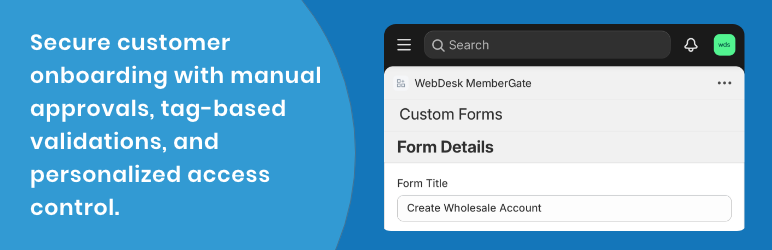

WebDesk Approval Manager allows admins to take full control of customer registrations. Approve or reject new registrations manually or automate approvals based on predefined criteria. Customize registration forms with dynamic fields and send automatic email notifications for approvals or rejections.
Key Features:
– Dynamic Form Fields: Add and manage custom fields (text, email, select, radio, checkbox, etc.) from the backend.
– Approval & Rejection System: View and manage customer submissions with detailed status tracking.
– Email Notifications: Send customizable emails for approval and rejection.
– User-Friendly Interface: Simplified admin tools for easy management.
– Highly Customizable: Tailor the plugin to your business needs.
Usage
1. Customer Management
- View the customer list in the admin panel.
- Approve or reject submissions and add comments.
- Track approval status for all customers.
2. Email Notifications
- Customize approval/rejection email templates.
- Use placeholders like
{{name}}and{{email}}for personalized messages.
3. Form Customization
- Go to Dashboard > Customer Approval to add and manage dynamic fields.
- Support for text, email, radio, checkboxes, and dropdown fields.
- Set required fields and validation rules.
4. Frontend Form
- Use the shortcode
[webdesk_approval_registration_form]to display the form on any page or post. - Use the shortcode
[webdesk_approval_login_form]to display the login form. - The form updates dynamically based on backend configurations.
Additional Information
For support, feature requests, or bug reports, please contact us at support@webdeskinc.com.
License
This plugin is licensed under the GNU General Public License v2.0 or later.
See https://www.gnu.org/licenses/gpl-2.0.html for details.






