
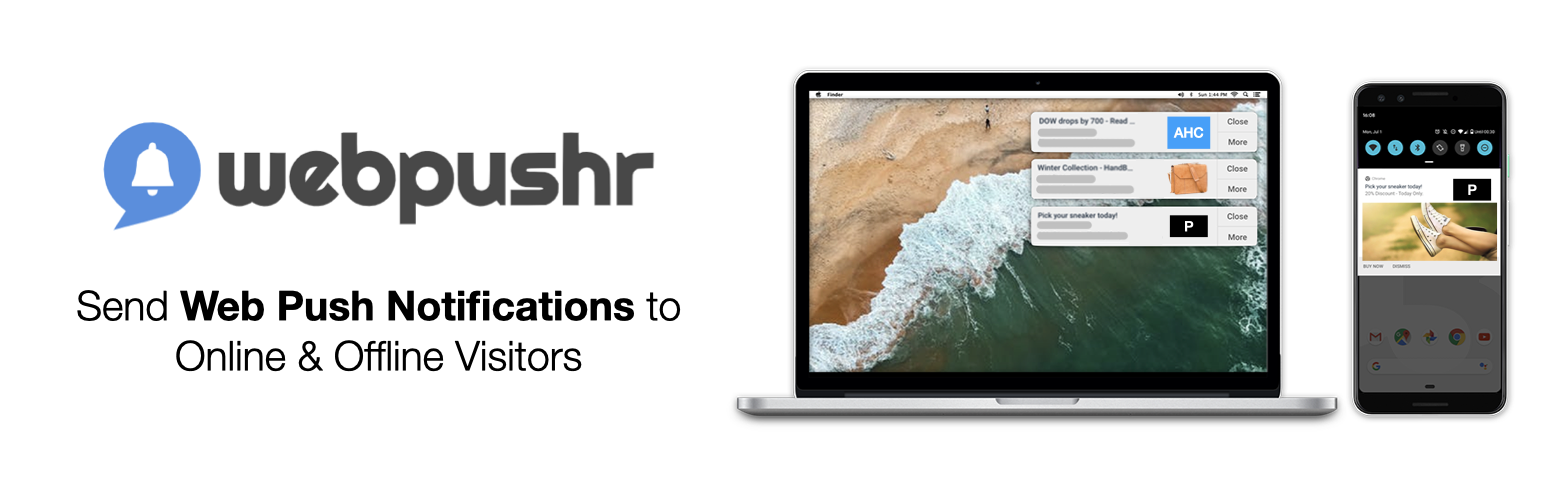

What are Web Push Notifications?
How to Integrate Webpushr to your site?
Why choose Webpushr?
Webpushr is the new standard in web push notifications. With Webpushr, you can send browser push notifications to your site visitors across all popular browsers. Your visitors receive these notifications even when they are not on your site. It only takes a few minutes to install. Both HTTP & HTTPS WordPress sites are supported.
Once you have successfully installed and activated Webpushr Plugin, your site visitors will start seeing opt-in message to receive web push notifications from you. Once they have opted in, you can send them push messages anytime you want.
You can configure the plugin to automatically send push notifications to your subscribers whenever you publish a new post. You can also also view your subscriber count and useful user reports (such as browser & device type), right from the plugin.
Webpushr offers best-in-class support for WooCommerce sites. You can configure it to automatically send Web Push Notification based alerts for new products, price drops, sales promotions & abandoned carts.
Webpushr also offers advanced features such as user segmentation, advanced user analytics & customizable opt-in prompts from Webpushr Web Console.
Webpushr’s free plan (a generous limit of 10,000 users) offers all plugin features such as dashboard views, subscriber logs, notification stats and automatically triggered push notifications (anytime you publish a post) for completely free. Contact support@webpushr.com if you have any questions. We are here to help and answer most queries during the same business day.
Company
Webpushr is the new standard in web push notifications. We are trusted by thousands of developers & marketers in small to large companies from around the world for their push notification needs.
Features
-
Supports all popular browser such as Chrome (Desktop & Android), Firefox (Desktop & Android), Safari (Mac OS only), Microsoft Edge (Desktop & Android) & Opera (Desktop & Android) web browsers. iOS (by Apple) currently does not support Web Push Notifications.
-
Supports both HTTP & HTTPS sites.
-
Automatic Notifications – Automatically send notifications to visitors every time you publish a new post.
-
WooCommerce – Automatically send notifications when you add a new product or drop price for an existing product.
-
WooCommerce Abandoned Cart – Automatically send an “Abandoned cart reminder” to re-engage customers & maximize sales when they add products to their cart but forget to checkout.
-
Subscriber Stats – You can see a summarized dashboard view of your subscribers inside the plugin. The dashboard shows total subscriber count, device type, OS type & Opt-in rate.
-
User Segmentation – Divide your audience into segments based on geo locations, interests, page visits, custom attributes & custom events to send highly personalized push notifications.
-
Subscriber Data Enhancement – Add your CRM data such as e-mail, phone number, full name to each subscriber. This enables you to send push messages to a specific user.
-
Event-Triggered Notifications – Automatically send a pre-defined notification when an event (such as a new sign-up or purchase) on your site is triggered.
-
Opt-In Prompt Customization – You can configure when and how to ask your site visitors to opt-in to web push notifications. You can also customize the prompt styling. We offer multiple styles to choose from.
-
Scheduled Notifications – You can schedule notifications to be sent at a later time.
-
Emoji & Large Image Support – You can make your messages more engaging and “clickable” by adding emojis & images.






