
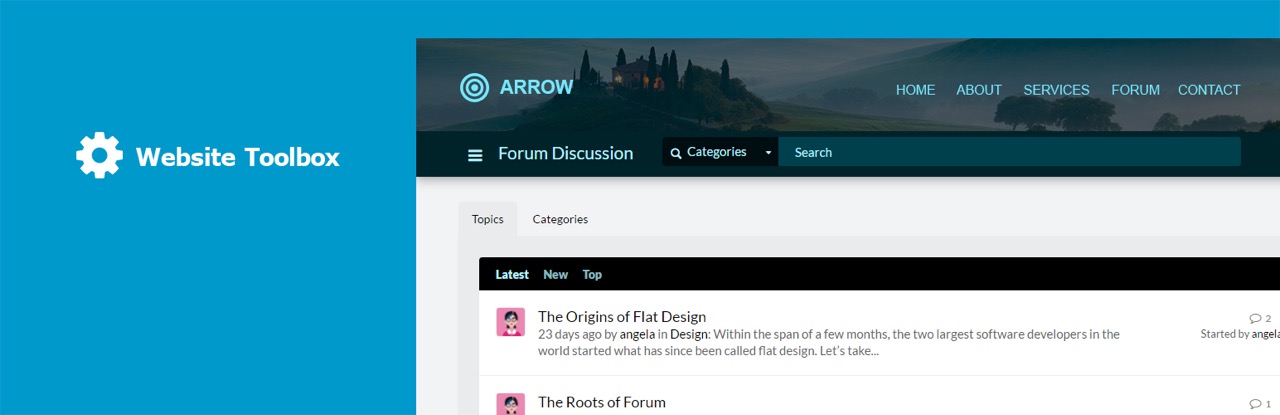
Website Toolbox Forum

Website Toolbox Forum

Effortlessly build a beautiful discussion forum with instant setup, seamless embedding, and exceptional support. Host secure, private, organized discussions in your own branded community forum.

Ranked #1 Forum Provider by StarReviews!

Not a Website Toolbox Forum owner? Create a Forum Now!

Plugin Features

  • Embeddable – The forum can be seamlessly embedded into your WordPress website or linked to as a stand-alone page.

  • Single Sign On – Users are automatically signed in to your forum when they sign in to your WordPress website.

  • Signup Integration – Forum accounts are automatically created for your existing or new WordPress users.

  • Embedded Comments – Spark discussions on your WordPress pages or blog posts by instantly creating a related topic in your forum and seamlessly embedding the comments.

  • Highlight Discussions – Use the WordPress widget to embed the latest or most popular discussions.

Key Forum Benefits

  • Instant Setup
  • Phone/Chat/Email Support
  • SEO and Mobile Friendly
  • Fully Customizable
  • Public or Private
  • White Label

Key Forum Features

  • Easy theme editor
  • Charge subscription fees
  • iOS and Android apps
  • Automatic AI moderation
  • Instant messaging
  • Chat room
  • Share files, photos, and videos
  • “Like” posts
  • User reputation
  • Announce and organize events
  • Create polls
  • Set user permissions
  • Approve posts and signups
  • Anti-spam protection
  • Import or export your data
  • …and much more!

Learn More

WordPress Admin Panel

  1. Go to “Plugins” -> “Add New” from the left menu in the WordPress Admin Panel.
  2. Search for “Website Toolbox Forum”.
  3. Activate the plugin.
  4. Click on the Settings link under the “Website Toolbox Forum” plugin.
  5. Enter your Website Toolbox account information. Create a Website Toolbox Forum if you don’t already have one.

Please contact Customer Support if you face any difficulties.

Manual Installation

  1. Download the plugin.
  2. Unzip the plugin.
  3. Upload the plugin folder to the /wp-content/plugins/ directory.
  4. Activate the plugin through the ‘Plugins’ menu in WordPress
  5. Click on the Settings link under the “Website Toolbox Forum” plugin.
  6. Enter your Website Toolbox account information. Create a Website Toolbox Forum if you don’t already have one.

سوالات متداول

I don’t allow registration on my WordPress site, can I still use the forum?

Yes. If you don’t have registration enabled on your WordPress site, your users can register an account directly on the forum. If you want users to be able to post without registering, you can simply enable guest posting or you can disable the User Accounts feature entirely so users don’t even see the registration option.

What features are available?

Please take our features tour.

Is this a self-hosted forum?

You install the plugin on your WordPress website, and the forum is hosted by us at Website Toolbox. As your forum grows, you won’t have to worry about buying and maintaining overloaded servers, databases, software, backup solutions, etc. We do all the work, so you can reap all the rewards. You can easily use your current domain name for the forum and customize your forum to match your website layout. Our WordPress plugin also allows you to easily embed the forum into a page of your WordPress website. This makes Website Toolbox completely invisible to your users!

How much does it cost?

Pricing information is available here.

تصویری برای این آیتم موجود نیست.
نظری برای این آیتم موجود نیست.
0 0 رای ها
امتیازدهی
اشتراک در
اطلاع از
0 نظرات
قدیمی‌ترین
تازه‌ترین بیشترین رأی
نسخه حجم فایل SHA256 تغییرات دانلود
2.1.7 158 کیلوبایت -
دانلود
×
★★★★★
★★★★★
4.6 /5 (13 نظر)

قیمت:

رایگان

نگارش

2.1.7

آخرین انتشار

20 اردیبهشت 1405

آخرین بروزرسانی

3 ماه پیش

نصب های فعال

60+

نگارش وردپرس

وردپرس 3.0.0+

تست شده از نسخه

وردپرس 6.9.4

نگارش PHP

-

نسخه ها

1 نسخه




