
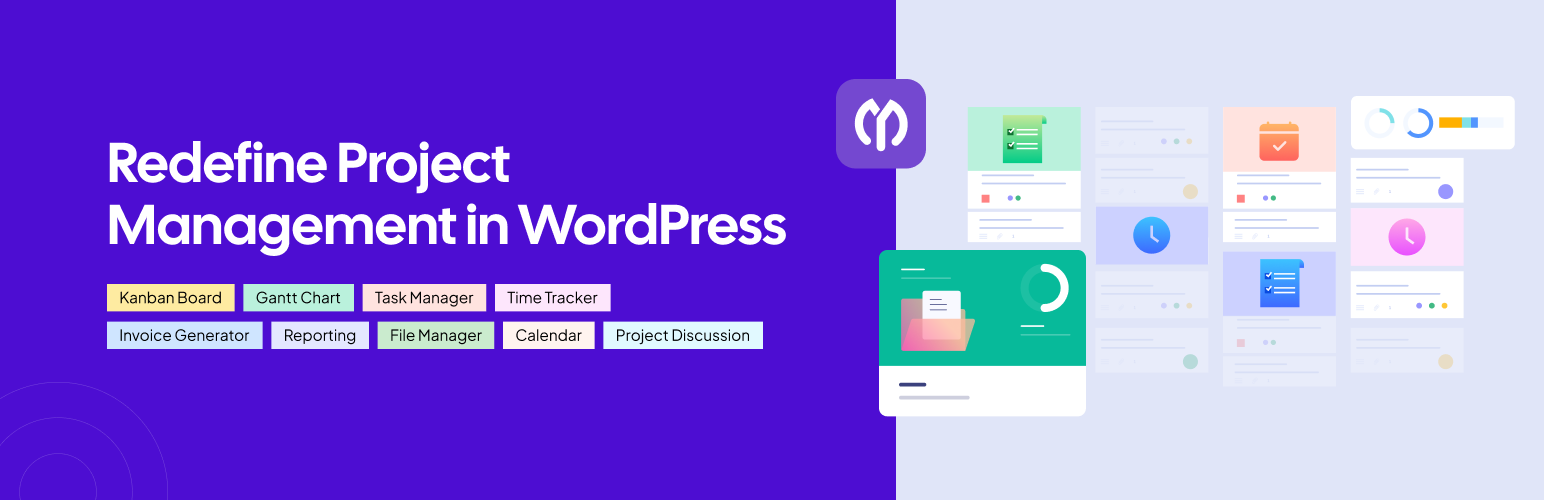

Ease Project Management and Task Management using a powerful project manager with Kanban board, Gantt chart, milestone tracking & project reporting.
AI-Powered Project Manager
Project Manager is a feature-rich project management plugin built for WordPress users who need structured and organized workflow management.
Built for teams, agencies, enterprises, and freelancers, Project Manager transforms your WordPress site into a complete project management system with Kanban Board, Gantt Chart, Task Manager, Milestone Tracking, Tasks Calendar, and Project Reporting – all in one place.
Whether you want to manage complex and multi-team projects or keep track of simple daily tasks, Project Manager gives you full control over your project and task management workflow. You can assign tasks, set deadlines, track progress, and collaborate without leaving your WordPress dashboard.
Now powered by AI, Project Manager can generate complete task lists for your projects based on your project description. As a result, you don’t need to think about or create every task name manually, which can save you a significant amount of time.
Want to give it a try?
Useful Links
Docs | Videos | Support | IdeaSharing | Comparison | Get Pro
🎯 Free Features of Project Manager
The free version provides essential tools for project management and structured task management. It includes everything you need to manage projects and teams efficiently.
🤖 AI-Powered Project Creation
– Generate complete task lists based on your project description using AI
– Reduce the need to create every task from scratch
– Save time by letting AI suggest relevant tasks for your project
– Get ideas for important tasks that may be easy to miss when planning manually
– Review, edit, and adjust the AI-generated task list to match your team’s workflow
📝 To-Do List & Task Management
– Create unlimited task lists with titles and descriptions
– Assign tasks to team members
– Set due dates for each task
– Track task progress using visual status indicators
– Add comments and detailed descriptions to tasks
– Mark tasks as complete or incomplete to keep work organized
🏆 Milestone Tracking
– Track upcoming, completed, and overdue milestones easily
– View milestone status at a glance
– Assign task lists to specific milestones
– Attach messages and updates to milestones
– Improve project reporting and team accountability
💬 Messages & Team Collaboration
– Stay aligned with your team through built-in threaded messaging
– Edit and stylize messages for clearer collaboration
– Enable comments on tasks for real-time feedback
– Keep your project management communication in one central place
🗂 File Sharing
– Upload and share files directly within messages and comments
– Navigate attachments inside threads to manage all project resources in one place
– Private discussions and file sharing make collaboration effortless
🔔 Dynamic Notifications
– Receive email alerts for assigned tasks, due dates, and project changes
– Customize your notification preferences to keep your team informed without overload
– Never miss an update
🔲 Intuitive Interface for Efficient Task Management
– The task manager in Project Manager features a clean and user-friendly interface
– Designed for speed, it helps complete tasks faster with visual workflows
– With real-time updates, it helps you stay productive, easing collaboration and efficiency
🚀 Pro Features of Project Manager (Take Your Project Management Further)
By upgrading to Project Manager Pro, you can unlock the full power of project management on WordPress.
👨🏻💻 Frontend Project Management
– Let users view and manage tasks and projects directly from your website’s frontend
– No backend access required
– Perfect for client portals and team dashboards
📊 Kanban Board
– Visualize your entire project management workflow with a customizable Kanban Board
– Default columns include Open, In Progress, Done, and Overdue
– Drag and drop tasks between boards for agile project management
– Create unlimited Kanban boards, sort tasks by status, and add new ones on the fly
📉 Gantt Chart
– Plan and monitor project timelines with an interactive Gantt Chart
– Adjust start and end dates, map out task dependencies, and track subtasks visually
– Great for milestone tracking and long-term project management
– Remote teams stay aligned with shared Gantt charts and Kanban boards
⏰ Time Tracker
– Start, stop, or pause timers on any task to log billable hours with precision
– Calculate total time spent per project and simplify payments for hourly teams
🧾 Invoice & Billing
– Auto-generate professional invoices based on tracked time and project details
– Mark invoices as paid upon payment completion
– Download invoices as PDF to simplify billing for every project
📆 Interactive Tasks Calendar
– View all your tasks in daily, weekly, monthly, or user-specific layouts with an interactive Task Calendar
– Drag and drop to reschedule tasks and track project progress dynamically
– The Calendar keeps your entire project management timeline organized and visible
💳 Stripe Payment Gateway
– Accept client payments directly via Stripe for seamless billing inside your project manager
– Use predefined project templates to automate your workflow
👥 BuddyPress Integration
– Assign tasks to teams, set role-based permissions, and manage departments
– Boost collaboration across your WordPress community with deep BuddyPress integration
📌 Subtasks for Granular Task Management
– Break complex tasks into smaller subtasks and assign them to multiple team members
– Subtasks give you granular control over every detail in your task manager workflow
🛒 WooCommerce Integration
– Auto-create projects directly from WooCommerce orders or payments
– Map products to specific tasks and roles, which is perfect for e-commerce project management
🗂️ Advanced File Management
– Organize files in folders, link them to messages and tasks, and set privacy controls
– Enjoy a Google Drive-like interface for secure, structured file sharing within your project management workspace
💬 Slack Integration
– Get real-time Slack notifications whenever new tasks, subtasks, or comments are created
– Stay informed when tasks are completed or new team members are added
🔗 GitHub & Bitbucket Integration
– Connect your GitHub and Bitbucket accounts directly to Project Manager
– Issues created in GitHub or Bitbucket are automatically added to your task manager list
– Keeps developers in sync with the rest of the project
📈 Advanced Reports & Insights
– Generate detailed project reporting with predefined views
– View them as Overdue Tasks, Completed Tasks, User Activities, Tasks by Milestone, Unassigned Tasks, and Summary
– Make data-driven decisions and improve overall project management performance
🛡️ Recurring Tasks & Enhanced Security
– Set up repeating tasks for ongoing projects so nothing falls through the cracks
– Customize user roles and permissions to maintain privacy and security in your collaboration workflows
📋 Personal Dashboard
– Every team member gets their own personal dashboard showing all assigned tasks
– Keep everyone focused, informed, and productive
🔄 Pusher Integration
– Receive real-time push notifications for all your project management activities
– Includes task assignments, mentions in comments, new tasks, and status updates
Still confused about choosing a project manager tool?
👉 Check out the complete comparison of Project Manager with other popular project management solutions
👉 Explore the documentation for all the features and functions of Project Manager
Recognition & Awards
– 10 Best WordPress Project Management Plugins (2025 Picks) (Elegant Themes)
– 18 Best WordPress Plugins for Freelancers 2025 (Colorlib)
– 9 Best WordPress Project Management Plugins (HubSpot)
– 14 Best WordPress Project Management Plugins (Hostinger)
Contribute
Help make Project Manager the ultimate project management tool! Fork our repository from GitHub and submit pull requests.
Our Valuable Contributors
– French: Corentin Allard
– Dutch: eskamedia
– Brazilian Portuguese: Anderson
– German: Alexander Pfabel
– Spanish: Luigi Libet
– Indonesian: Hirizh
– Polish: Jacek Synowiec
Take a Look at Our Other Products
- Dokan: Build your own multi-vendor marketplace on WordPress quickly and easily. Create platforms similar to Amazon, eBay, or Etsy, allowing multiple sellers to manage their shops under one roof.
- Happy Addons for Elementor: Expand Elementor’s capabilities with over 143 essential widgets, a Header & Footer Builder, mega menu, and 500+ ready-made templates. Customize your WordPress site with ease.
- ERP: A complete business management tool for WordPress. Handle HR, recruitment, job listings, CRM, and accounting seamlessly alongside WooCommerce integration.
- weMail: Simplify your email marketing with an all-in-one WordPress tool. Design newsletters, subscription forms, and opt-ins to engage your audience easily.
- User Frontend: Enable users to create and manage content from the front-end of your WordPress site. Excellent for forms, post submissions, and user dashboards without accessing the backend.
- weDocs: Organize and manage your online documentation effortlessly. This plugin lets you create a knowledge base, wiki, or document library directly within WordPress.
- Texty: A fast and easy SMS notification plugin for WordPress and WooCommerce. Send instant messages to your users via popular gateways like Twilio, Vonage, and more.
- wePOS: Turn your WooCommerce store into a powerful point-of-sale system. Manage sales, inventory, and customers in real-time using WordPress.
External Services
Project Manager uses the following third-party services to enhance project management features. All data shared with these services is necessary for the plugin functionality and handled securely.
-
OpenAI API – Used to generate AI-assisted project plans, task lists, and suggestions. Task titles, descriptions, and deadlines may be sent for AI processing.
-
Google Generative Language API – Assists content generation for tasks and projects. Task titles, descriptions, and comments may be sent for AI suggestions.
-
Anthropic API – Provides AI-assisted responses and task suggestions. Task details like titles, descriptions, and deadlines may be sent for AI processing.
-
Trello API – Integrates Trello boards, cards, and checklists. Project and task information such as titles, descriptions, and due dates are sent to sync with Trello.
-
Asana API – Syncs tasks, stories, and project updates. Task titles, descriptions, deadlines, and comments are sent to Asana for project updates.
Terms and Conditions
Privacy Policy
Project Manager uses Appsero SDK to collect some telemetry data upon user’s confirmation. This helps us to troubleshoot problems faster & make product improvements.
Appsero SDK does not gather any data by default. The SDK only starts gathering basic telemetry data when a user allows it via the admin notice. We collect the data to ensure a great user experience for all our users.
Integrating Appsero SDK DOES NOT IMMEDIATELY start gathering data, without confirmation from users in any case.






