
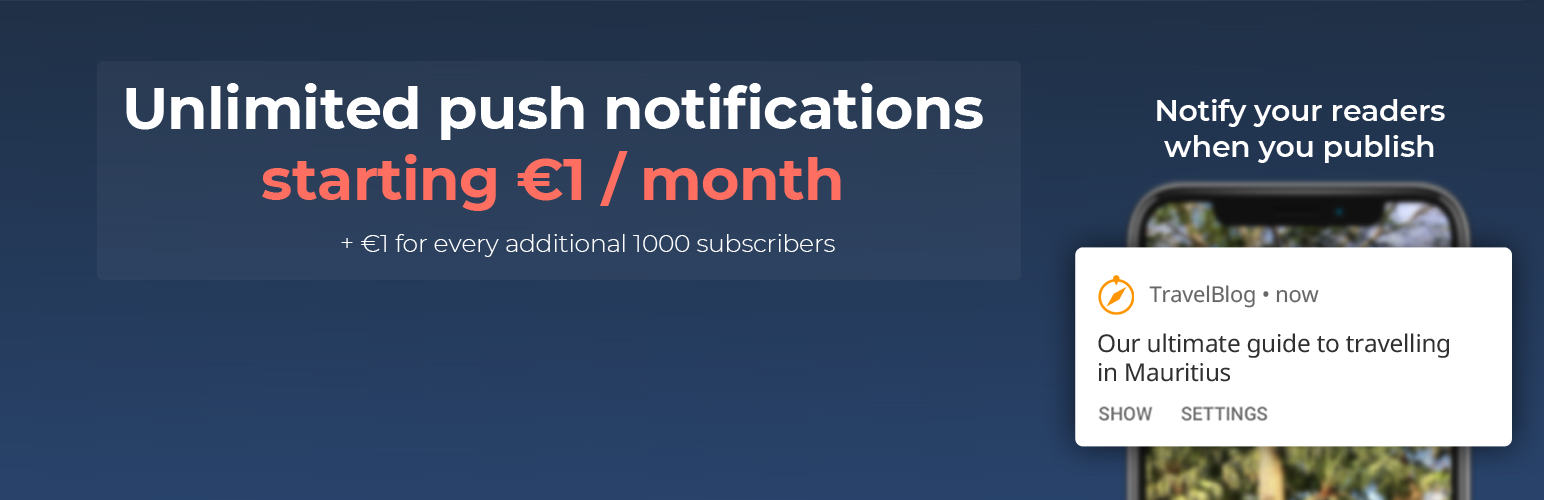

Web push notifications are the most effective way to retain your users and grow your WordPress site audience. WonderPush lets you send unlimited web push notifications.
Web push notifications are alert-style messages that can be sent to a user’s desktop or mobile device even when the user is not on the website.
With WonderPush, readers who subscribe to your web push notifications are alerted instantly each time you publish a post, even after they’ve left your website.
WonderPush provides ready-made user interfaces to let users subscribe, ranging from a browser prompt to a bell widget at the bottom of the page.
Installing WonderPush only takes a few minutes and requires absolutely no coding skills and is fully GDPR compliant.
WonderPush provides WooCommerce site owners with an “Abandoned cart reminder” to re-engage customers that left without buying the contents of their shopping cart by sending them a web push notification automatically.
With WonderPush, automating web push notifications based on user behavior is easy, just connect to your WonderPush dashboard and setup a campaign triggered when users meet certain segmentation criteria.
WonderPush lets AMP site owners add web push support to their AMP pages and have visitors subscribe to web push notifications from these pages.
WonderPush offers a 14-day free trial. After the trial period, you can send unlimited web push notifications for €1 per month plus €1 per 1000 subscribers. There are no limits to the number of web push notifications you can send. WonderPush supports rich formats, automation, real-time analytics, and a powerful segmentation engine. All features are included without ever having to pay more.
WonderPush also lets you add in-app messaging to your WordPress website. Create and remotely trigger the display of banners, modals and alerts targeting users as they browse your site and use your app, letting you drive engagement and increase conversion.
Contact contact@wonderpush.com if you have any questions.
Company
WonderPush is trusted by over 5,000 developers in Europe and Worldwide. WonderPush never shares your data with third parties. Your data is safe with us and we protect the privacy of your users as if they were ours. Data collected by our SDKs is fully documented and hosted in Europe. We provide ready-made tools to collect and manage user consent, and let users download or delete all their data.
Features
-
Supports Chrome (Desktop & Android), Microsoft Edge (Desktop & Android), Opera (Desktop & Android) and Firefox (Desktop & Android) on both HTTP and HTTPS sites.
-
Automatic Notifications – Send notifications to subscribers every time you publish a new post. Send them a notification if they haven’t visited for a few days.
-
Targeting Segments – Send notifications to specific subscribers based on language, tags, or events .
-
WooCommerce support – Abandoned cart: automatically send notifications to users that leave without buying with our easy to configure cart reminder.
-
Subscription prompt customization – Choose when and how to ask your visitors to opt-in to browser notifications. Customize the prompt they first see.
-
Real Time Analytics – See delivery metrics in real time, and watch them as they convert into visits.
-
Advanced dashboard – Discover the power of push notification automation. Manage segments and campaigns. Invite staff to join your project.
-
AMP support – Adds web push support to AMP sites. Let AMP visitors subscribe to web push notifications.
Migrate from OneSignal plugin and others
If you need to be GDPR compliant and you already use a push notification plugin, migrating to WonderPush is easy: all you have to do is add the WonderPush plugin to your website and disable the other plugin.
Once you have the WonderPush plugin on your website, users who visit your site and have already granted push notification permission will automatically appear among your subscribers without having to subscribe again.






