
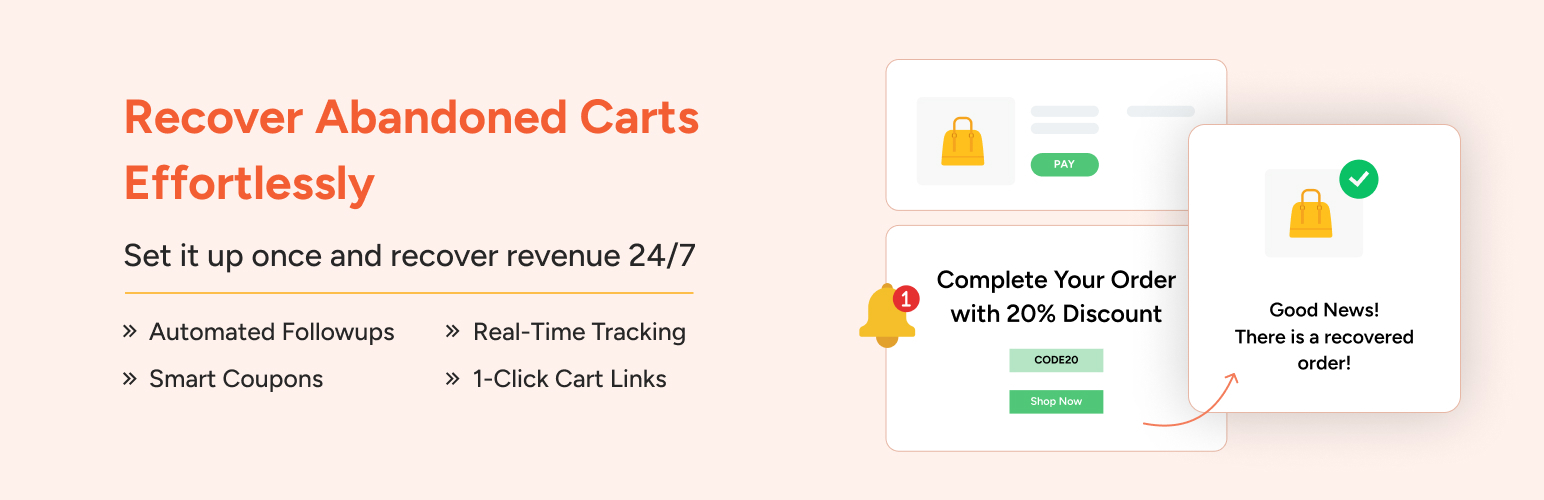

Bring Back Lost Sales – Automatically
Every store loses sales to cart abandonment. But with Cart Abandonment Recovery for WooCommerce, you can win them back—automatically.
This powerful (and completely free) plugin captures emails when customers begin checkout, then sends automated follow-up emails to recover their cart and encourage them to complete the purchase.
No coding. No complicated setup. Just install, enable, and start recovering lost revenue.
🎯 Recover lost revenue by re-engaging shoppers with automated emails
📈 Improve checkout conversions with reminders and special offers
🛒 Rebuild carts with 1-click restore links
💰 Boost AOV with time-sensitive coupons
Made for Store Owners Who Care About Conversions
1. WooCommerce Store Owners
Effortlessly recover lost sales without the need for third-party tools or subscriptions. Just install, activate, and start converting abandoned carts into revenue.
2. Fashion & Apparel Stores
Send timely reminders to shoppers who left behind size, color, or style options. Bring them back with visual product recall and tailored offers.
3. DTC Brands & Small Businesses
Boost your store’s conversion rates with automated email sequences and dynamic coupon codes. Personalize recovery messages to match your brand voice.
4. Digital Product Sellers
Perfect for stores selling courses, software, or downloads. Recover incomplete checkouts with cart restore links that bring customers right back to purchase.
5. Growth-Focused Shops
Leverage in-depth reports to monitor cart recovery performance. Track email effectiveness and make data-driven tweaks to increase sales over time.
🧰 Powerful Features to Maximize Recoveries
1. Automated Recovery Emails
Set up and schedule a series of automated emails to go out at key intervals—like 15 minutes, 1 hour, or 24 hours after abandonment. Stay top-of-mind and bring customers back when they’re most likely to convert.
2. 1-Click Cart Recovery Links
Every email includes a unique link that restores the exact cart contents and checkout details. Shoppers can pick up right where they left off—no friction, no hassle.
3. Unique Coupon Codes
Automatically generate personalized, time-sensitive discount codes inside your recovery emails. Incentivize quick action and boost your chances of winning back the sale.
4. Abandoned Cart Capture
The plugin captures the shopper’s email address as soon as they enter it on the checkout page. This means you can follow up—even if they never hit the “Place Order” button.
5. Reports & Insights
See real-time data on abandoned carts, recovered sales, and email performance. Use built-in analytics to tweak your strategy and increase conversions.
6. GDPR-Ready
Easily enable a GDPR consent checkbox on your checkout page. Ensure you’re collecting data responsibly and staying compliant with privacy laws.
7. Better Analytics Dashboard with Modern UI
Access a cleaner, more user-friendly dashboard with improved visuals and reporting. Quickly understand what’s working—at a glance.
8. Dynamic Shortcode Support in Email Subjects
Use smart shortcodes in email subject lines for personalized, dynamic messaging. Grab attention and improve open rates effortlessly.
9. Option to Show Tax/VAT in Emails
Display tax or VAT details in recovery emails, based on plugin settings. Helps reduce confusion and builds purchase confidence.
10. Product-Specific Reports (Pro)
Track abandoned/recovered stats for each product individually. View product name, number of times abandoned, and recovered—to see which products need attention.
11. Advanced Email Tracking (Pro)
Gain insights into how each email performs with metrics like sent, open rate, click rate, and unsubscribe rate. Perfect for testing and optimizing your recovery strategy.
12. Rule Engine for Email Logic (Pro)
Set up smart conditions for when and how emails are sent. Exclude certain products, send product-specific sequences, skip certain emails, or trigger offers based on cart subtotal.
13. SMS Recovery Messages (Pro)
Reach users via SMS for higher visibility and faster conversions. A great addition to your multi-channel recovery strategy.
14. OttoKit Integration
Connect with OttoKit to create powerful automations and sequences beyond email.
Perfect for advanced marketers and power users.
15. Real-Time Admin Notifications (Coming Soon)
Get instant alerts when a cart is abandoned or recovered. Stay informed and take action quickly if needed.
16. WhatsApp Integration (Coming Soon)
Send cart recovery messages via WhatsApp to connect with customers where they’re most active. Boost engagement with a personal touch.
🔍 How It Works – Just 3 Simple Steps
Cart Abandonment Recovery works quietly in the background to help you recover lost sales with minimal effort.
1. Capture Email at Checkout
When a shopper enters their email during checkout, the plugin saves it automatically—no extra setup needed.
2. Send Smart Follow-Up Emails
If they don’t complete the purchase, a series of recovery emails are sent with a link to restore their cart.
3. Recover the Sale
The shopper clicks the link, returns to their cart, and completes the order—easy win!






