
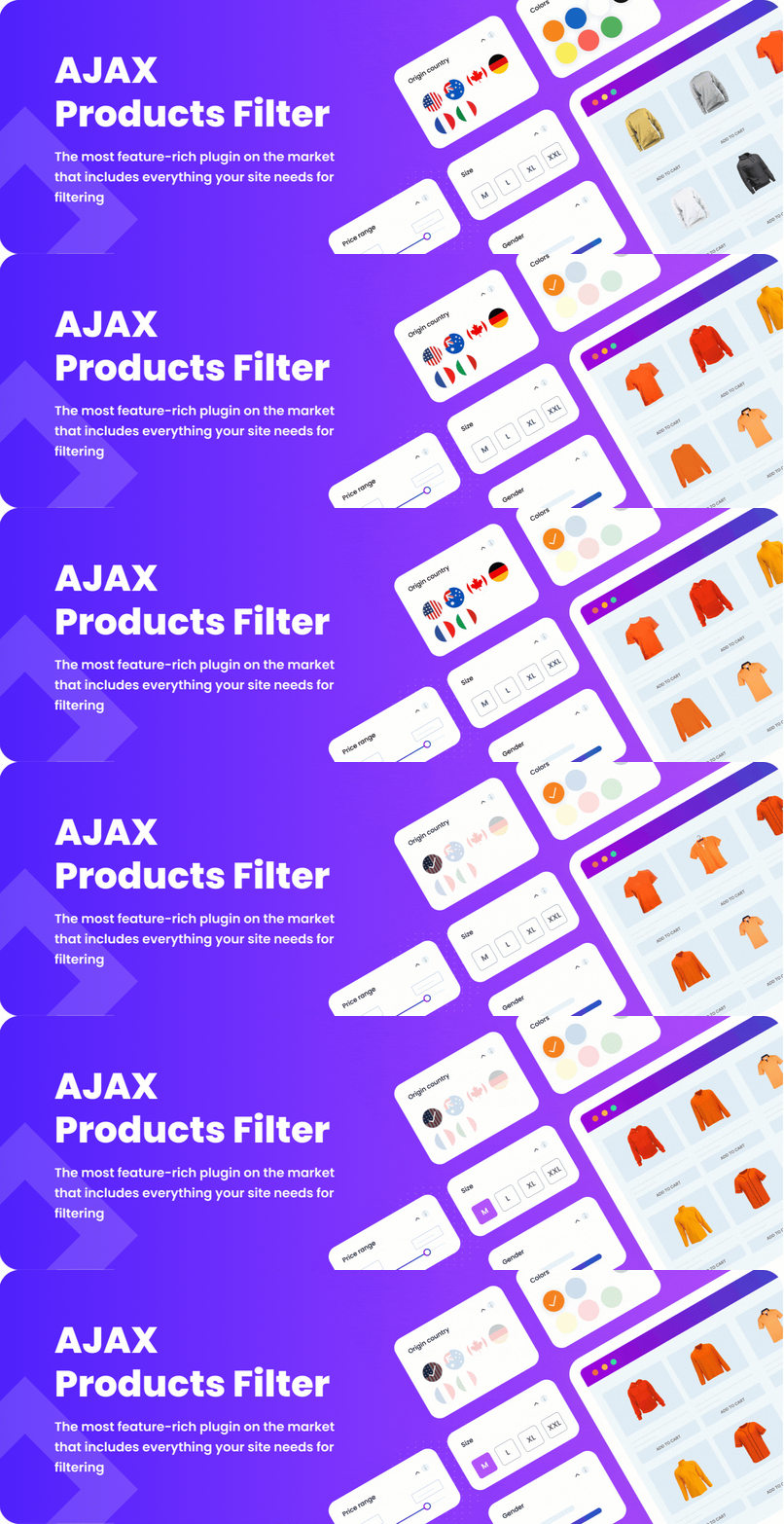

Give your customers the power to find products instantly.
WooCommerce Ajax Products Filter lets users filter, sort, and search products without reloading the page. Fast, flexible, and compatible with most themes and page builders.
Already packed with features in the free version, and even more powerful with Pro and Business versions.
✨ Free Features
Everything you need to create professional product filters:
- Ajax Filtering, Pagination and Sorting – update results instantly without reloading.
- Drag & Drop Filter Builder – design filters with ease.
- Filter Types: checkboxes, dropdowns, radio buttons, sliders, color/image swatches.
- Filter Options: categories, attributes, tags, price, ratings, product meta (custom fields).
- Filter Controls: apply button, reset/clear button, selected filters area (vertical & horizontal).
- Filter Layouts: collapse on load, collapse on title click, nested filters, hierarchical display, limit height with scroll, hide extra values under “Show More” button.
- Filter Styles: multiple slider styles, button styles, checkbox styles, color box, image box, checked image style, Select + Select2 support.
- Advanced Display: show product counts, hide empty values, remove out-of-stock variations, child values on taxonomy pages.
- Widgets & Shortcodes – display filters/groups anywhere.
- Custom CSS Styling – style filters your way.
- Icons Before/After – add icons to titles and values.
- Selected Filters Area – horizontal/vertical styles, custom placement.
- Compatibility:
- Works with most WooCommerce themes.
- Page builders: Elementor, Divi, Beaver Builder.
- Plugins: ACF Pro, WPML, Polylang, Relevanssi, Barn2 Product Table, other BeRocket plugins.
- WooCommerce shortcodes.
- SEO Friendly URLs – clean filter links.
- Integration: Permalink Manager for WooCommerce.
- Performance: minified JS/CSS, optimized code, scroll-to-top after filtering.
- Developer Friendly – hooks and custom code options for full control.
- Translation Ready – translate via .po/.mo files or plugin settings.
- Browser Back Button Support – smooth navigation with AJAX.
👉 In short: almost everything you expect from a professional filter plugin — already free.
🚀 Pro Features
Upgrade to WooCommerce Ajax Products Filter Pro to unlock advanced features:
- SEO Enhancements
- SEO-friendly URLs with advanced control.
- Canonical links, meta & titles for filtered pages.
- Add filters to page title/description/header.
- New Filter Types
- Filter by stock status, sale status.
- Filters by custom taxonomies.
- Slider range for attributes/taxonomies.
- Datepicker for attributes & product publication date.
- Availability( in stock | out of stock | any ).
- Advanced Styling & Layout
- Filters above products, custom sidebar, 1–4 filters per row.
- Collapsed filters above products.
- Show filter titles only.
- Filter Options
- Product count per value.
- Checkbox/value list for price ranges.
- Multiple colors (up to 4) for attributes.
- Display variation image/price matching selected filters.
- Open product directly with matching variation.
- Navigation Tools
- Search box block for redirect filters.
- Link setup after filtering.
💼 Business Features
For large stores and professional needs:
- Filter Statistics – see which filters your customers use most.
- Custom SEO Meta per Page – individual SEO control for each filter result.
- Advanced Filter Styling – fine-tune filter design.
- Priority Support – direct help from the BeRocket team.
📌 Live Demo & Docs
🎬 Premium plugin video
we don’t have a video with the free plugin right now, but we are working on it
🤝 Compatibility with WooCommerce plugins
Advanced AJAX Product Filters has been tested and compatibility is certain with the following WooCommerce plugins that you can add to your site:
🔸 Advanced Product Labels for WooCommerce
🔸 Load More Products for WooCommerce
🔸 Brands for WooCommerce
🔸 Grid/List View for WooCommerce
🔸 Product Preview for WooCommerce
🔸 Products Compare for WooCommerce
🔸 Wishlist and Waitlist for WooCommerce
🧩 Shortcode
- In editor
[br_filters attribute=price type=slider title="Price Filter"] - In PHP
do_shortcode('[br_filters attribute=price type=slider title="Price Filter"]');
⚙️ Shortcode Options:
attribute(required) – product attribute, e.g. price or length. Don’t forget that WooCommerce adds the pa_ suffix for created attributes.
So if you create a new attributejump, its name ispa_jumptype(required) – checkbox, radio, slider or selectoperator– OR or ANDtitle– whatever you want to see as a title. Can be emptyproduct_cat– parent category idcat_propagation– should we propagate this filter to child categories? Set 1 to turn this onheight– max filter box height. When height is met, the scroll will be addedscroll_theme– used if height is set and actual height of the box is more






