
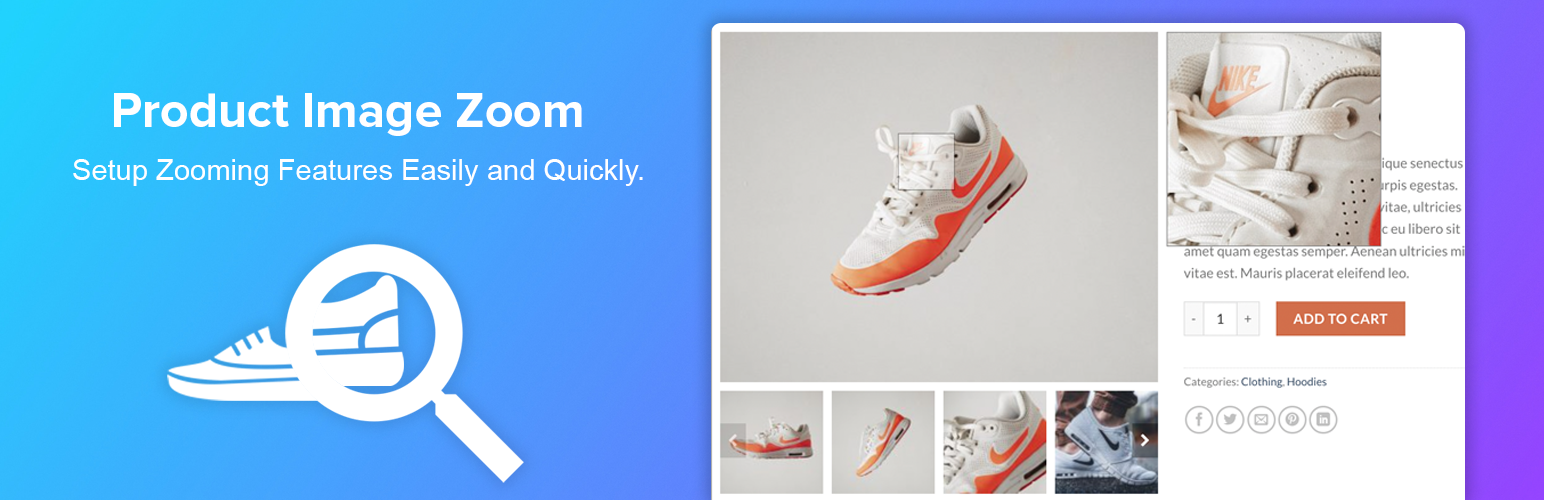

WooCommerce Image Zoom is a lightweight and user-friendly plugin that enhances your online store by adding responsive zoom functionality to product images. Designed specifically for WooCommerce, this plugin allows customers to get a closer, high-definition look at product details simply by hovering over or tapping on product images — helping build trust and reduce purchase hesitation.
With multiple zoom styles and customizable settings, WooCommerce Image Zoom gives you full control over how zoom effects appear on single product pages. You can adjust zoom window size, lens shape, magnification level, and animation behavior to match your store’s design and user experience needs, all without writing any code. Whether shoppers are browsing on desktop or touch devices, the zoom effect works smoothly and responsively across screen sizes.
Built for performance and compatibility, this plugin integrates seamlessly with modern WooCommerce themes and maintains fast loading times without adding unnecessary bloat. By giving users an immersive product preview experience, WooCommerce Image Zoom can help increase engagement, reduce returns due to unexpected details, and drive higher conversions.
Upgrade to the Pro Version | Free Version DEMO | PRO Version DEMO | Support | Screenshots
Plugin Features
- On mouseover, display a larger version of the product image.
- Play and Plug.
- No need for other settings.
- Really lightweight.
- Work with all themes for WordPress.
- Simple to use.
- Developer-friendly and flexible.
- WPML, Polylang, GTranslate and all others multi-language plugin support.
PRO Version Features
- There are three types of zoom.
- Product gallery images slider.
- Zooming product variation images.
- LightBox popup for the images.
- Exclude Zoom for particular products and categories.
- Changeable zoom window and zoom lens size.
- There are two distinct types of zoom lens.
- On mobile devices, clicking a product gallery image will replace the large product image with a gallery image.
- Smooth zoom with Easing effect and FadeIn/Out Speed.
- Advanced settings panel containing all required options.
- Free lifetime updates and support.
- Video Documentation.
- Free installation and customization of themes ( if needed ).
Video Documentation:
You may also like our some of our others WooCommerce plugins
WPB Woocommerce Product slider | WPB WooCommerce Related Products Slider | WooCommerce LightBox | WooCommerce Custom Tab Manager






