
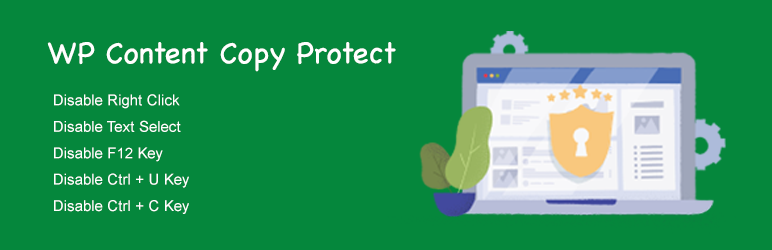
WP Content Copy Protect

WP Content Copy Protect

توسط

Simple and Amazing WordPress copy protect plugin. This plugin will be able to block the mouse right button, Ctrl + C key, Ctrl + U key , and F12 key.

Plugin Features

  • Disable Right Click
  • Disable Text Select
  • Disable F12
  • Disable Ctrl + U
  • Disable Ctrl + C

Plugin author site: https://www.wpsprite.com/plugins/

Install via Plugins > Install New

  1. Search for “WP Content Copy Protect”
  2. Click the “Install Now” link
  3. Click “Activate Plugin”

Via ZIP / FTP

  1. Unzip the ZIP file and drop the folder straight into your wp-content/plugins directory.
  2. Activate the plugin through the ‘Plugins’ menu in WordPress.

سوالات متداول

Where can I find documentation on the plugin?

Refer the Plugin Site

تصویری برای این آیتم موجود نیست.
نظری برای این آیتم موجود نیست.
0 0 رای ها
امتیازدهی
اشتراک در
اطلاع از
0 نظرات
قدیمی‌ترین
تازه‌ترین بیشترین رأی
هیچ نسخه‌ای برای این آیتم موجود نیست.
بدون امتیاز

قیمت:

رایگان

نگارش

آخرین انتشار

17 اردیبهشت 1405

آخرین بروزرسانی

3 ماه پیش

نصب های فعال

10+

نگارش وردپرس

وردپرس 4.0+

تست شده از نسخه

وردپرس 5.2.24

نگارش PHP

-

نسخه ها

0 نسخه



