
WP Content Copy Protection with Color Design

WP Content Copy Protection with Color Design

توسط

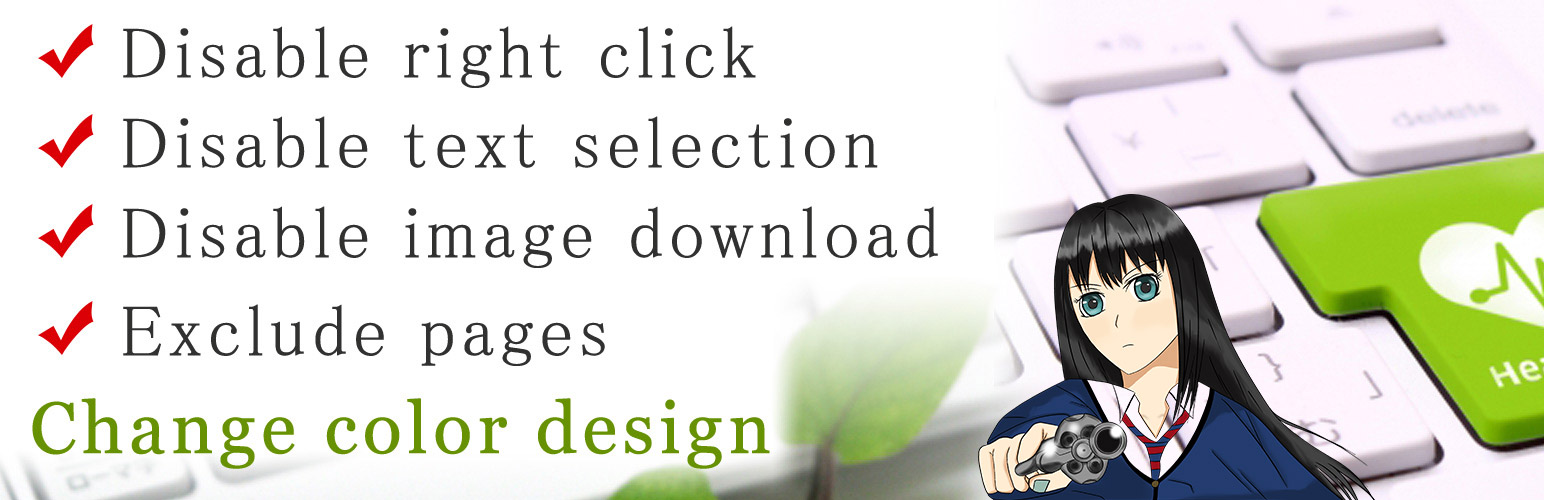
WP Content Copy Protection with Color Design provides you security for wordpress website.
It protects from copying the content, stealing data, and also images from your pages.
You can also exclude pages and posts.

If someone right click, It`ll show an alert window with messages. You can change the color of the alert window that matches to your web site.

WP Content Copy Protection selecting texts, and disable drag and drop images to your computer.
By not selecting texts, users cannot CTRL+C, CTRL+A, CTRL+X, CTRL+V and CTRL+P.

  1. You can also disable right click without giving the alert window.

  2. You can change the alert messages by yourself.

  3. You can exlude login users from the option page.

  4. You can exclude pages and posts.

  5. You can protect only specified pages and posts.

  6. You can protect print preview page (CTRL+P).

  1. Upload the “wp-copy-design” directory to /wp-content/plugins/.
    Generally, upload .zip folder to WordPress.

  2. Activate WP Content Copy Protection from “Plugin menu”.

  3. You can set options from “WP Protect settings”.

سوالات متداول

Does is affects SEO?

No, it won`t affects SEO. It uses very short javascript codes and css that the search engine crawler will smoothly stream.

Can I just only disable right click and have no messages?

Yes, you can change it from the option page.
Please see WP Content Copy Protection screenshots above.

×
نظری برای این آیتم موجود نیست.
0 0 رای ها
امتیازدهی
اشتراک در
اطلاع از
0 نظرات
قدیمی‌ترین
تازه‌ترین بیشترین رأی
نسخه حجم فایل SHA256 تغییرات دانلود
2.4.2 109 کیلوبایت -
دانلود
×
★★★★★
★★★★★
4.5 /5 (25 نظر)

قیمت:

رایگان

نگارش

2.4.2

آخرین انتشار

11 اردیبهشت 1405

آخرین بروزرسانی

4 ماه پیش

نصب های فعال

6,000+

نگارش وردپرس

وردپرس 3.0+

تست شده از نسخه

وردپرس 6.8.5

نگارش PHP

-

نسخه ها

1 نسخه




