
WP Dev Flag

WP Dev Flag

توسط

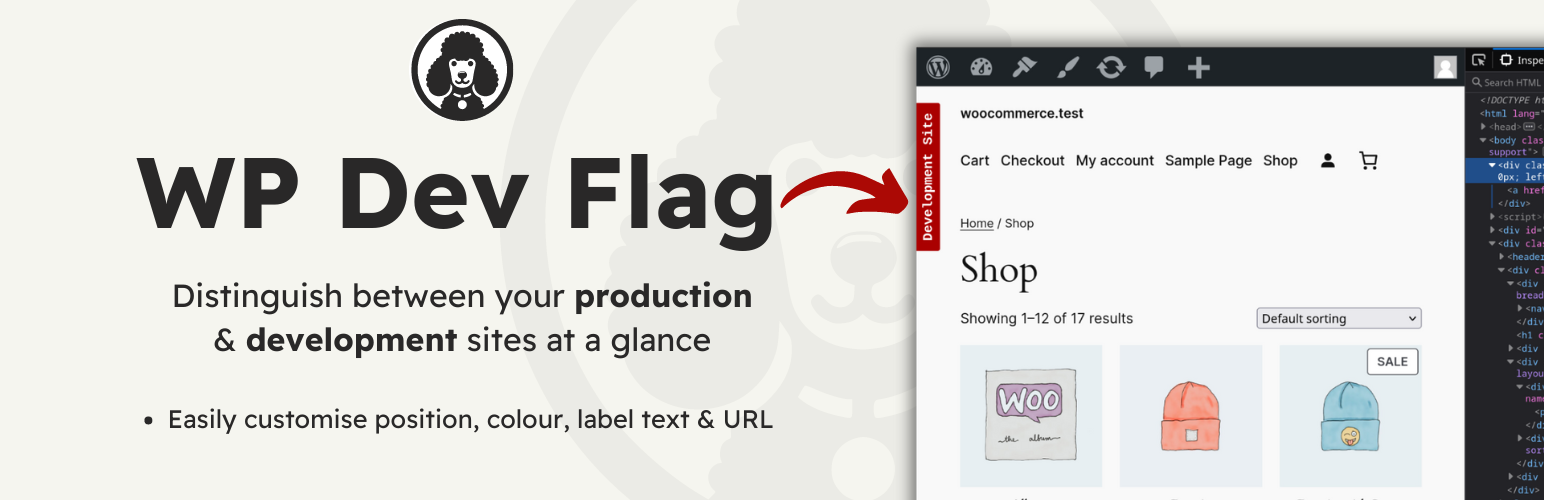
This plugin makes it easy to distinguish between your local development site, and your live site.
I created this because I often use a local duplicate of my live site, for development, with the same DB, and the same URL.

I needed a quick & easy way of distinguishing between my live and development sites at a glance. This plugin acheives that in the simplest way possible.

There are settings for colour, positioning and the text displayed on the badge. It is also possible to add a link onto the badge.

From your WordPress dashboard

  1. Visit ‘Plugins > Add New’
  2. Search for ‘WP Dev Flag’
  3. Activate ‘WP Dev Flag’ from your Plugins page.
  4. Visit ‘WP Dev Flag Options’ in the ‘Plugins’ submenu to access the settings.

From WordPress.org

  1. Download ‘WP Dev Flag’.
  2. Upload the ‘wp-dev-flag’ directory to your ‘/wp-content/plugins/’ directory, using your favorite method (ftp, sftp, scp, etc…)
  3. Activate ‘WP Dev Flag’ from your Plugins page.
  4. Visit ‘WP Dev Flag Options’ in the ‘Plugins’ submenu to access the settings.

سوالات متداول

Can I create my own CSS for the badge?

Currently, you can customise the colour, text and position of the badge. The ability to add a custom class is coming in the next release.

Feel free to just style .wp-dev-flag yourself though.

I will also explore additonal options such as custom fonts & href functionality.

Will the badge display on my live site if I duplicate the entire database as is?

No, it detects the current server environment and if it doesn’t match the environment that was set originally, the plugin will not display the badge. You can simply click update to set the new environment if required.

Can I add a link to the badge?

Yes, as of Version 1.3.0 you can add your own link and toggle it to open in a new tab.

×
نظری برای این آیتم موجود نیست.
0 0 رای ها
امتیازدهی
اشتراک در
اطلاع از
0 نظرات
قدیمی‌ترین
تازه‌ترین بیشترین رأی
نسخه حجم فایل SHA256 تغییرات دانلود
2.0.1 39 کیلوبایت -
دانلود
×
★★★★★
★★★★★
5.0 /5 (3 نظر)

قیمت:

رایگان

نگارش

2.0.1

آخرین انتشار

18 اردیبهشت 1405

آخرین بروزرسانی

3 ماه پیش

نصب های فعال

10+

نگارش وردپرس

وردپرس 3.0.1+

تست شده از نسخه

وردپرس 6.9.4

نگارش PHP

PHP 5.6+

نسخه ها

1 نسخه




