
WP Easy Login – Remember Recent Usernames

WP Easy Login – Remember Recent Usernames

توسط

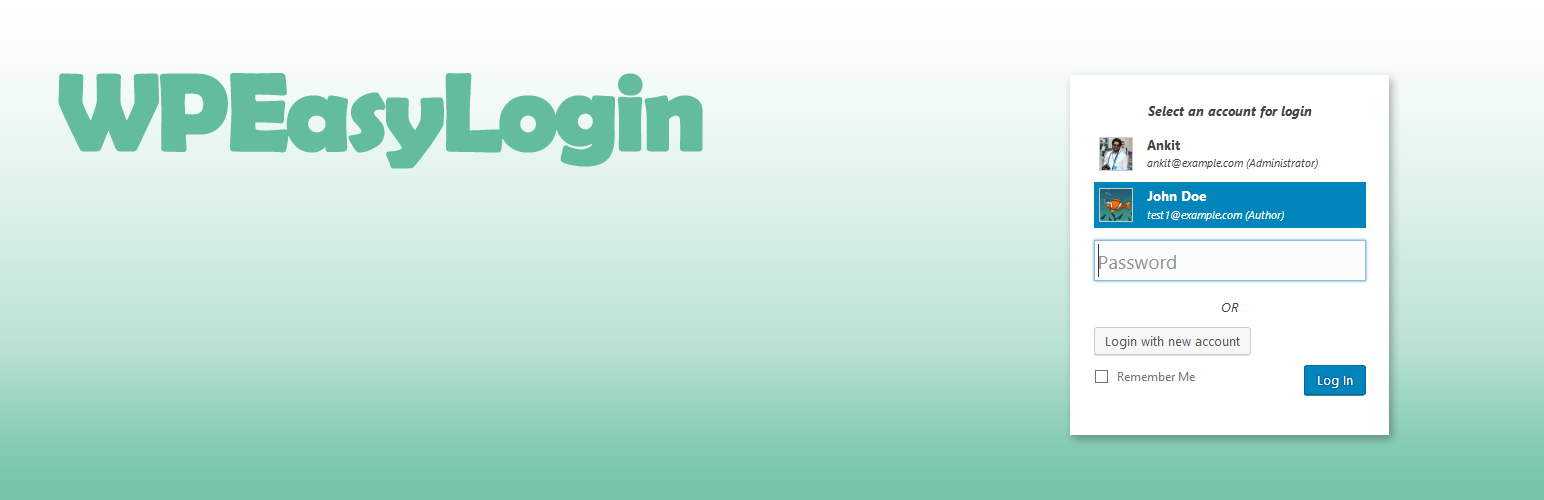
WP Easy Login remember the username of each user who logged-in to the site. Usernames are stored in the browser and displayed when you visit default login page of the website using the same browser.
It is very useful plugin when users have many accounts on the same site.

Features

  • Easy login by just entering the password and selecting an account for login
  • Define the age of cookie to store the username in a browser
  • Customize the users’ list by turning off/on Email, Role and Gravatar
  • Customize hints and button labels
  • Users can remove their accounts from the browser at any time.
  • Works with WordPress default login page
  • Install WP Easy Login from the ‘Plugins’ section in your dashboard (Plugins > Add New > Search for ‘WP Easy Login’).
    Or
    Download WP Easy Login and upload it to your webserver via your FTP application. The WordPress codex contains instructions on how to do this here.
  • Activate the plugin and navigate to (Settings > WP Easy Login) to choose your desired settings.

سوالات متداول

Does it work with Front-end login pages?

No, It doesn’t work with front-end login pages. It is designed just for the default login page.

How does it affect the security of login?

WP Easy login just modifies the login form, no effect on WordPress login process.

What does it store in the cookies?

It stores the username along with browser and OS information in base64 encoded format. The age of cookie can be customized. The default value is one year.

×
نظری برای این آیتم موجود نیست.
0 0 رای ها
امتیازدهی
اشتراک در
اطلاع از
0 نظرات
قدیمی‌ترین
تازه‌ترین بیشترین رأی
نسخه حجم فایل SHA256 تغییرات دانلود
1.0.3 19 کیلوبایت -
دانلود
×
★★★★★
★★★★★
5.0 /5 (2 نظر)

قیمت:

رایگان

نگارش

1.0.3

آخرین انتشار

18 اردیبهشت 1405

آخرین بروزرسانی

3 ماه پیش

نصب های فعال

-

نگارش وردپرس

وردپرس 4.9+

تست شده از نسخه

وردپرس 6.8.5

نگارش PHP

PHP 7.0+

نسخه ها

1 نسخه




