
Rename WP Media Files Name

Rename WP Media Files Name

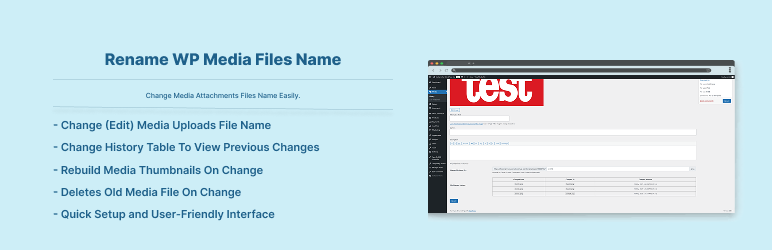
This plugin adds feature to change your Media Attachments Files Name Easily.

Features:

  • Change (Edit) Media Uploads File Name
  • Change History Table To View Previous Changes
  • Rebuild Media Thumbnails On Change
  • Deletes Old Media File On Change
  • Quick Setup and User-Friendly Interface

To add a WordPress Plugin using the built-in plugin installer:

Go to Plugins > Add New.

  1. Type in the name “Rename WP Media Files Name” in Search Plugins box
  2. Find the “Rename WP Media Files Name” Plugin to install.
  3. Click Install Now to begin the plugin installation.
  4. The resulting installation screen will list the installation as successful or note any problems during the install.
    If successful, click Activate Plugin to activate it, or Return to Plugin Installer for further actions.

To add a WordPress Plugin from GitHub repo / plugin zip file :
1. Go to WordPress plugin page
2. Click Add New & Upload Plugin
3. Drag / Click upload the plugin zip file
4. The resulting installation screen will list the installation as successful or note any problems during the install.
If successful, click Activate Plugin to activate it, or Return to Plugin Installer for further actions.

سوالات متداول

How to use this plugin?

Just after installing the plugin, go media uploads list and click one to edit at bottom you will find box to rename the file. See screenshot.

×
نظری برای این آیتم موجود نیست.
0 0 رای ها
امتیازدهی
اشتراک در
اطلاع از
0 نظرات
قدیمی‌ترین
تازه‌ترین بیشترین رأی
هیچ نسخه‌ای برای این آیتم موجود نیست.
★★★★★
★★★★★
5.0 /5 (4 نظر)

قیمت:

رایگان

نگارش

آخرین انتشار

16 اردیبهشت 1405

آخرین بروزرسانی

3 ماه پیش

نصب های فعال

500+

نگارش وردپرس

وردپرس 5.6+

تست شده از نسخه

وردپرس 6.9.4

نگارش PHP

PHP 8.0+

نسخه ها

0 نسخه




