
WP Yun

WP Yun

توسط

WP Yun is the easiest way to replace the internally generated WordPress short links with Yun generated short links.

Provide WP Yun with an authorization token (automatically generated for you by Yun), tell it which post types you’d like to generate short links for, and forget about it! WP Yun does the rest for you.

Short links are a great way to quickly share posts on social media like Twitter, Instagram and Facebook. Just finished writing an amazing post and want to share that post with your friend? It’s a lot easier to text message a shortlink than the entire address.

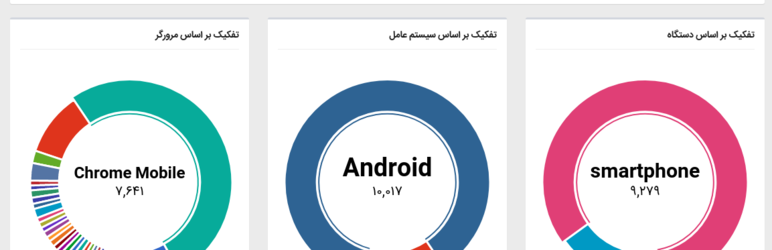
WP Yun also provides some insights (via a metabox on your edit post screen) as to how your link is being passed around. there is also a link to update shortlink and clicks statistics.

Coming Soon

This Plugin is GPL

*Someone out there is selling a plugin with the exact same name as WP Yun. Just to be clear, it is not the same plugin. This plugin is open source and free, and will remain so forever.


  1. Download and install plugin via plugins repository
  2. Go to setting page and set auth token generated by https://yun.ir/user/general/token/

Upgrading

Add New Plugin

  1. From the Dashboard navigate to Plugins >> Add New
  2. Enter “WP Yun” in the search field
  3. Select Install Now, click OK and finally Activate Plugin
  4. This will return you to the WordPress Plugins page. Find WP Yun in the list and click the Settings link to configure.
  5. Enter your auth token, and that’s all! You’re done!

سوالات متداول

After installation, do I need to update all my posts for short links to be created?

No. The first time a shortlink is requested for a particular post, WP Yun will automatically generate one.

What happens if I change a posts permalink?

WP Yun will verify the shortlink when it’s requested and update as necessary all on its own.

Can I include the shortlink directly in a post?

Sure can! Just use our handy dandy shortcode [wpyun] and shazam! The shortcode accepts all the same arguments as the_shortlink(). You can also set “post_id” directly if you wish.

How do I include a shortlink using PHP?

(You don’t have to include the php comment, but you can if you want.)

تصویری برای این آیتم موجود نیست.
نظری برای این آیتم موجود نیست.
0 0 رای ها
امتیازدهی
اشتراک در
اطلاع از
0 نظرات
قدیمی‌ترین
تازه‌ترین بیشترین رأی
نسخه حجم فایل SHA256 تغییرات دانلود
1.1.1 49 کیلوبایت -
دانلود
×
بدون امتیاز

قیمت:

رایگان

نگارش

1.1.1

آخرین انتشار

24 اردیبهشت 1405

آخرین بروزرسانی

3 ماه پیش

نصب های فعال

10+

نگارش وردپرس

وردپرس 3.9+

تست شده از نسخه

وردپرس 5.5.18

نگارش PHP

-

تگ ها

نسخه ها

1 نسخه


