

Every plugin and theme you install registers REST API endpoints. Most are public by default — including the ones your site never uses.
Unused endpoints are unnecessary exposure. They reveal information about your stack, invite probing, and become liabilities when a vulnerability is discovered in a plugin you forgot to audit.
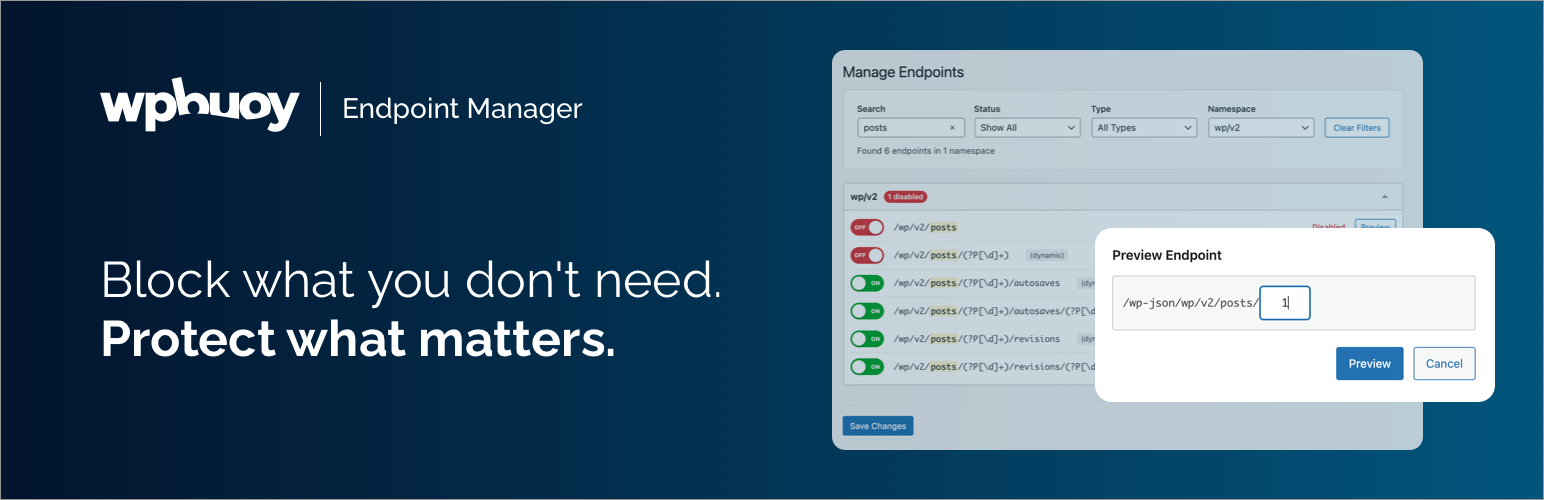
WPBuoy Endpoint Manager gives you a clear view of every endpoint on your site and a one-click toggle to disable the ones you don’t need.
See your full API surface
Every endpoint from WordPress core, plugins, and themes in one organized view — grouped by namespace, with a count of how many are currently disabled.
Block endpoints instantly
Toggle any endpoint off and it returns a 403. No code, no rules, no guesswork. One click.
Preview before you block
Open any endpoint’s live response in a new tab before making changes. Know exactly what you’re disabling.
Clean and accessible
Built to WordPress admin standards. Fully keyboard-navigable with screen reader support.
Who it’s for
Agencies hardening client sites. Developers locking down staging environments. Site owners running WooCommerce, membership, or any setup where API exposure is a real risk.
Go further with Pro
WPBuoy Endpoint Manager Pro adds:
- Advanced search with keyboard shortcut and result highlighting
- Multi-criteria filtering by status, route type, and namespace
- Dynamic route support with regex pattern matching
- Security log — IP address, endpoint, user agent, timestamp
- CSV export and automatic 30-day log cleanup
- License management and automatic updates






