
The WP Remote WordPress Plugin

The WP Remote WordPress Plugin

توسط

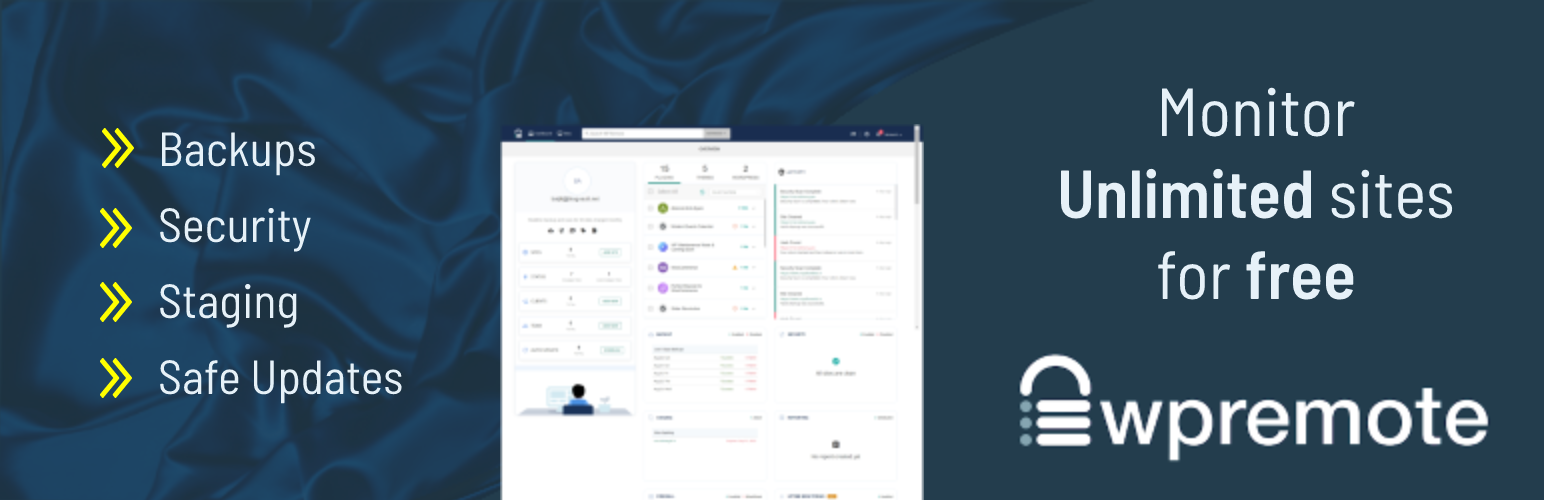
The WP Remote WordPress Plugin works with WP Remote to enable you to remotely manage and update all your WordPress sites.
WP Remote has been acquired by BlogVault.

Why you need WP Remote?

Features

  • Free to update an unlimited number of sites.
  • Track and update all of your WordPress sites from one place.
  • Track and update all of your WordPress plugins and themes from one place.
  • Install and activate plugins and themes from the one place.

Support

You can email us at support@wpremote.com for support.

  1. Install The WP Remote WordPress Plugin either via the WordPress.org plugin directory, or by uploading the files to your server.
  2. Activate the plugin.
  3. Sign up for an account at wpremote.com and add your site.

سوالات متداول

Why do you need my email?

We require your email address to keep you informed about important updates related to your website, such as vulnerability alerts, and uptime alerts.

Having an account is necessary to use our service, and your email address serves as a unique identifier for your account.

In addition, we may use your email address to notify you about any changes or updates that we make to our service, as well as any new features or services that we may offer to help enhance your user experience.

تصویری برای این آیتم موجود نیست.
نظری برای این آیتم موجود نیست.
0 0 رای ها
امتیازدهی
اشتراک در
اطلاع از
0 نظرات
قدیمی‌ترین
تازه‌ترین بیشترین رأی
هیچ نسخه‌ای برای این آیتم موجود نیست.
★★★★★
★★★★★
4.6 /5 (70 نظر)

قیمت:

رایگان

نگارش

آخرین انتشار

10 اردیبهشت 1405

آخرین بروزرسانی

4 ماه پیش

نصب های فعال

30,000+

نگارش وردپرس

وردپرس 4.0+

تست شده از نسخه

وردپرس 7.0

نگارش PHP

PHP 7.0+

نسخه ها

0 نسخه



