
WTranslator

WTranslator

توسط

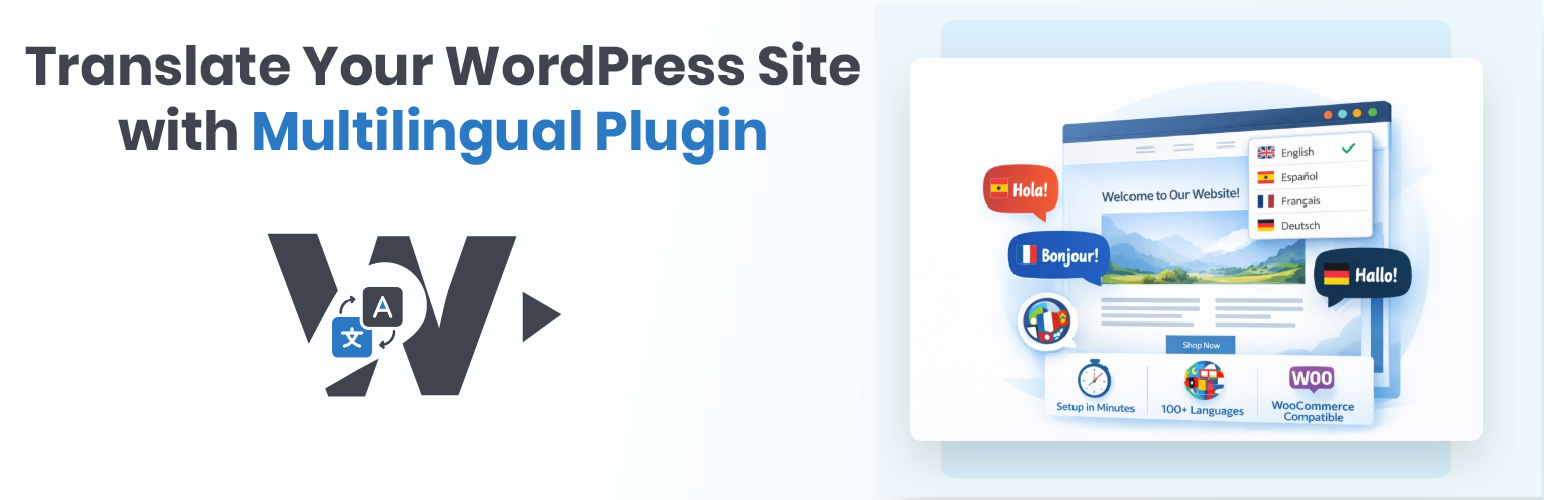
WTranslator makes your website multilingual with just a few clicks. Your visitors can instantly switch between languages and read your content in their preferred language – no manual translation needed!

How it helps your visitors:
* Read your website in their native language
* Switch languages with a simple click
* Optional automatic language suggestion from the browser (and Cloudflare country header when available), if you enable it in settings
* Their language choice is remembered for future visits

What makes it great:
* 100+ Languages – From English and Spanish to Chinese, Arabic, and everything in between
* Beautiful Language Switcher – Elegant dropdown or flag icons that match your site design
* Lightweight – Translation runs in the visitor’s browser via Google’s translate script; no API key is required
* Powered by Google Translate – Uses Google’s translation technology to help translate your content
* Works Everywhere – Compatible with any WordPress theme and most plugins

Perfect for:
* Business websites reaching international customers
* Blogs with a global audience
* E-commerce stores selling worldwide
* Educational content for diverse learners
* Any website that wants to welcome visitors in their own language

External services

This plugin uses the following third-party service:

  • Google Translate – Translation runs in the visitor’s browser via Google’s Translate Element. No API key required. See: Google Terms of Service, Google Privacy Policy.

  • Auto-detect (no third-party) – Uses only browser Accept-Language and Cloudflare header when present. No IP sent to any service.


Getting Started is Easy:

  1. Install WTranslator from your WordPress dashboard (Plugins Add New Search “WTranslator”)
  2. Activate the plugin
  3. Go to Settings WTranslator
  4. Choose which languages you want to offer
  5. Pick your language switcher style (dropdown or flags)
  6. Save and you’re done!

Your visitors will now see a language switcher on your site and can choose their preferred language.

سوالات متداول

Do I need to translate my content manually?

No! WTranslator uses Google Translate to translate your content when visitors view the site in another language. Activate the plugin, choose your languages, and content is translated for visitors on demand.

How many languages can I offer?

You can enable as many languages as you want from our list of 100+ supported languages, including English, Spanish, French, German, Portuguese, Chinese, Japanese, Arabic, Russian, and many more.

Will my visitors’ language choice be remembered?

Yes! When a visitor selects a language, WTranslator remembers their choice so they don’t have to select it again on their next visit.

Does this slow down my website?

The plugin adds a small script and style bundle. Page HTML is still served by WordPress as usual; translation work happens in the visitor’s browser when they choose another language, similar to using Google Translate in the browser.

Can visitors switch back to the original language?

Absolutely! The language switcher always shows all available languages, so visitors can easily switch back and forth.

Do I need technical knowledge to use this?

Not at all! WTranslator is designed to be simple. Just install, choose your languages, and it works automatically.

تصویری برای این آیتم موجود نیست.
نظری برای این آیتم موجود نیست.
0 0 رای ها
امتیازدهی
اشتراک در
اطلاع از
0 نظرات
قدیمی‌ترین
تازه‌ترین بیشترین رأی
بازخورد (Feedback) های اینلاین
مشاهده همه دیدگاه ها
نسخه حجم فایل SHA256 تغییرات دانلود
1.0.1 54 کیلوبایت -
دانلود
×
بدون امتیاز

قیمت:

رایگان

نگارش

1.0.1

آخرین انتشار

16 اردیبهشت 1405

آخرین بروزرسانی

2 ماه پیش

نصب های فعال

10+

نگارش وردپرس

وردپرس 5.0+

تست شده از نسخه

وردپرس 6.9.4

نگارش PHP

-

نسخه ها

1 نسخه


