
X-Scroll To Top – Responsive

X-Scroll To Top – Responsive

توسط

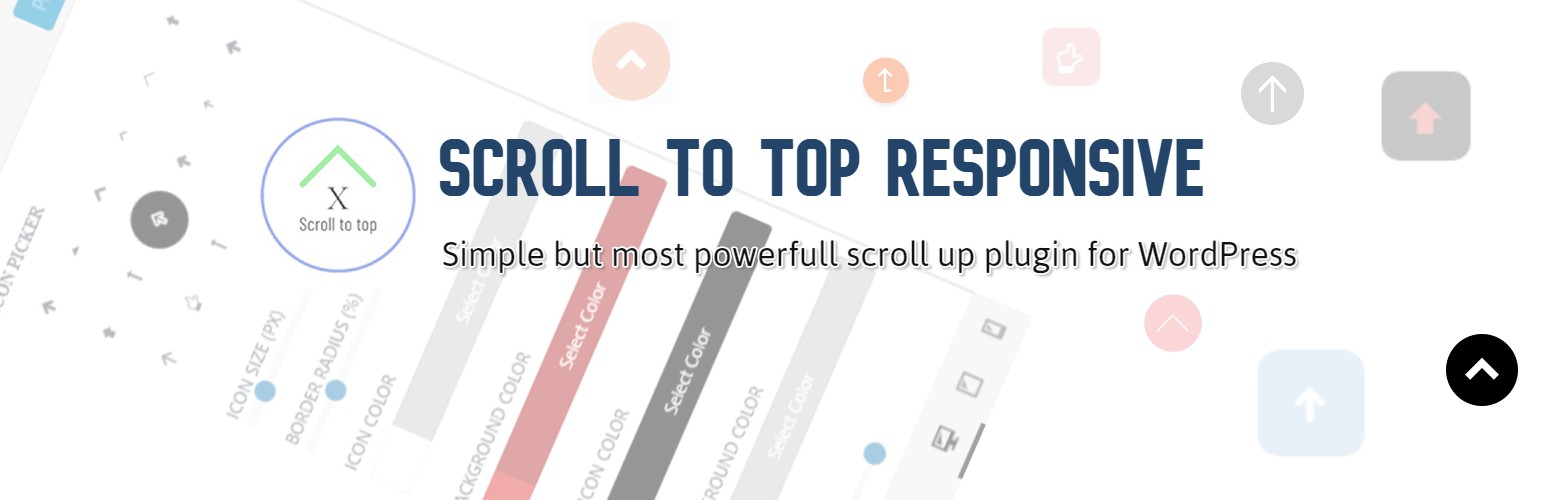
The X-Scroll To Top plugin makes scrolling a webpage easier by adding an attention-grabbing icon at the bottom. When users click this button, it smoothly scrolls the page back to the top. The plugin offers a unique level of customization with flexible settings, allowing users to personalize the button’s appearance and behavior. Users can also see changes visually in real-time, making it easy to tailor the scroll-up button to their site’s design and functionality. Despite its simplicity with just four options, it effectively meets all the needs for a scroll-up button.

Features

  • 15 Different Scroll-Up Icons: Choose from 15 unique icons to customize the scroll-up button.
  • Custom Icon Size: Easily adjust the icon size to fit your website’s design.
  • Custom Circle or Border Radius Option: Personalize the button’s shape with customizable border radius settings.
  • Unlimited Icon Color Options: Select any color for your scroll-up icon to match your site’s theme.
  • Unlimited Icon Background Color Options: Customize the background color of the icon for better visibility and style.
  • Unlimited Icon Hover Color: Change the icon color when hovered over to enhance user interaction.
  • Unlimited Icon Hover Background Color: Adjust the background color of the icon on hover for a dynamic effect.
  • Custom Scroll-Up Icon Position: Position the scroll-up button anywhere on the screen to suit your layout.
  • Fully Responsive Design: Ensures the scroll-up button looks great on all devices, including desktops, tablets, and mobile phones.
  • Custom Scroll-Up Position for Mobile & Tablet: Set different positions for the scroll-up button on mobile and tablet devices for better accessibility.
  • Option to Hide Notice on Mobile: Add an option to hide the scroll-up button on mobile devices to improve user experience.

Other Plugins by CoderPlus

Role‑Based Analytics for WooCommerce (Premium)
Filter WooCommerce sales reports by WordPress user roles analyze order counts, product sales, coupon usage, downloads, and compare top customer groups with built‑in leaderboards.
🔗 View on WooCommerce.com

Logo Switcher for Divi
Switch logos on scroll, sticky header, or dark/light mode for Divi-based websites.
🔗 View Plugin

Woo Subscription Trial Coupon
Enable coupon discounts for trial periods in WooCommerce Subscriptions.
🔗 View Plugin

Through Dashboard

  1. Log in to your WordPress admin panel and go to Plugins -> Add New
  2. Type X-Scroll To Top – Responsives in the search box and click on search button.
  3. Find ‘X-Scroll To Top – Responsives’ plugin by ‘Jahid’.
  4. Then click on Install Now after that activate the plugin.
  5. Click on the settings button & design or customize form theme customizer.

Installing Via FTP

  1. Download the plugin to your hard disk.
  2. Unzip.
  3. Upload the “x-scroll-to-top-responsive” folder into your plugins directory.
  4. Log in to your WordPress admin panel and click the Plugins menu.
  5. Then activate the plugin.

سوالات متداول

How can I access the settings?

To access the settings for the X-Scroll To Top plugin, go to your WordPress dashboard and navigate to Appearance -> Customize -> X-Scroll To Top Settings. Here you can customize the scroll-up button according to your preferences.

Can I customize the colors of the scroll-up button?

Absolutely! You can customize the icon color, background color, hover color, and hover background color. These options are available in the Customizer settings, allowing you to match the scroll-up button with your site’s design.

What if I want to hide the scroll-up button on mobile devices?

You can choose to hide the scroll-up button on mobile devices by enabling the corresponding option in the Customizer settings.

How do I set the border radius for the scroll-up button?

You can set the border radius from the Customizer settings under the X-Scroll To Top section. This allows you to create a circular or rounded scroll-up button based on your preference.

Can I set different settings for mobile and tablet devices?

Yes, the X-Scroll To Top plugin allows you to set different scroll-up button positions for mobile and tablet devices, ensuring optimal user experience across all devices.

Does it work with all themes?

Yes, the X-Scroll To Top plugin is designed to be compatible with all WordPress themes. It integrates seamlessly to provide a smooth scroll-to-top functionality regardless of the theme you are using.

How do I change the icon of the scroll-to-top button?

You can change the icon from the WordPress Customizer. Go to Appearance -> Customize -> X-Scroll To Top Settings and choose your preferred icon from the available options.

×
نظری برای این آیتم موجود نیست.
0 0 رای ها
امتیازدهی
اشتراک در
اطلاع از
0 نظرات
قدیمی‌ترین
تازه‌ترین بیشترین رأی
هیچ نسخه‌ای برای این آیتم موجود نیست.
★★★★★
★★★★★
4.1 /5 (8 نظر)

قیمت:

رایگان

نگارش

آخرین انتشار

20 اردیبهشت 1405

آخرین بروزرسانی

3 ماه پیش

نصب های فعال

300+

نگارش وردپرس

وردپرس 5.0+

تست شده از نسخه

وردپرس 6.8.5

نگارش PHP

PHP 5.4+

نسخه ها

0 نسخه




