
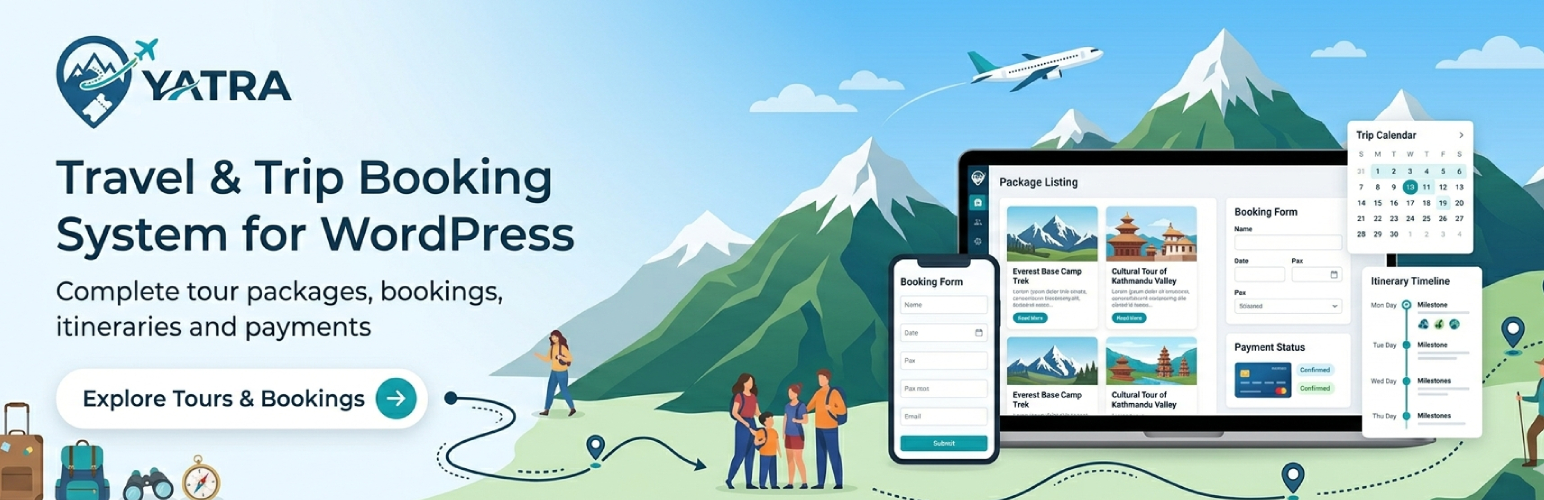

✈️ Yatra is a WordPress plugin built for tour operators, activity providers, and travel brands that need real trip inventory—not a generic shop. The free version includes a full booking office: trips, availability, checkout, customer records, and essential emails. Yatra Pro unlocks premium payment methods and a suite of Pro modules you can turn on as your business grows.
Official site: 🌐 wpyatra.com · 📖 docs.wpyatra.com · 💬 WordPress.org forum
🎬 See Yatra in action
🎥 Watch the Yatra 3.0 walkthrough on YouTube — trips, bookings, checkout, and traveler accounts in a few minutes. For release highlights and upgrade notes, see Yatra 3.0 on wpyatra.com. More tutorials: MantraBrain on YouTube.
✈️ Why teams pick Yatra
- 🗺️ Travel-first data model — Departures, capacity, traveler types, and itineraries match how tours are actually sold.
- 🧭 One admin workspace — Modern Yatra dashboard inside wp-admin; less tab-hopping than bolting travel onto a generic commerce stack.
- ⚖️ Honest Free vs Pro — Core booking, CRM-style records, reviews, and PayPal / Pay Later are in the free plugin. Card gateways and advanced modules are in Pro—no surprise paywalls on basics like “save a trip” (saved trips / wishlist are a Pro feature when enabled in settings).
- 🔒 Your site, your data — Bookings and customer data stay in your WordPress database; payments go through the gateways you configure.
🎁 Free plugin — what you get
Trips and catalog
- Unlimited trips with rich descriptions, gallery, difficulty, duration, meeting points, included/excluded lists
- Itinerary builder (day-by-day)
- Per-trip FAQs and custom attributes
- Destinations, activities, categories, and archives visitors can browse
Bookings and customers
- Booking lifecycle (e.g. pending, confirmed, completed, cancelled) with references
- Traveler details, notes, and operational views your staff use daily
- Customer accounts: booking history, payments, profile, and document access (e.g. invoices, vouchers, itineraries) where you enable them
- Guest checkout and registered users
Pricing and availability
- Sale and regular pricing, traveler-based pricing (adults, children, custom types)
- Departures, capacity, and recurring availability rules
- Discounts and coupons
Payments (free)
- PayPal
- Pay Later (book now, confirm or pay offline—ideal for bank transfer, cash on arrival, or invoice workflows)
- Core delivery settings and essential traveler templates (e.g. booking, payment, cancellation, reminder)
Front end
- Templates for trip listings, single trip, booking flow, checkout, and account
- Blocks and shortcodes to place trips, search, login, and account on any page
- Responsive layouts; works with well-coded block and classic themes
Reviews and reporting
- Reviews with moderation and trip-level display
- Admin reports for bookings, revenue, and trends
Quality and extensibility
- PHP 7.4 or newer, structured codebase
- Hooks and filters for customization; template overrides in your theme
- REST-oriented flows for booking and account experiences in 3.x
💎 Yatra Pro — when you are ready to scale
Compare plans and buy Yatra Pro — same Pro software on every tier; plans differ by site activations and support level.
Premium gateways (examples)
- Stripe, Razorpay, Mollie, Paystack, Square, Authorize.Net, bank transfer (region and account dependent)
Pro modules (enable under Yatra Modules)
- Flexible Payments — deposits and partial payments
- Dynamic Pricing — rules for seasonality, demand, early bird, last minute
- Advanced Discount — group-style discounts alongside coupons
- Google Calendar sync
- Additional Services — sell extras with the trip
- Trip Consent — digital waivers and signatures
- Email Automation — extended templates, sequences, logs
- Custom booking questions — drag-and-drop extra fields
- Mailchimp, Facebook Pixel, Google Analytics 4 Enhanced
- Abandoned Booking Recovery
Traveler experience
- Saved trips / wishlist when Yatra Pro is active and wishlist is enabled in settings
Support
- Premium or priority support depending on plan; see wpyatra.com for current terms and money-back window for paid licenses.
🧩 Blocks and shortcodes
Use the block editor or classic shortcodes to drop catalog widgets, search, and account UI into any page.
Blocks (search the inserter for “Yatra” or the block name):
- Tour — block name
yatra/tour(trip grid; same data options as the[yatra_trip]shortcode). - Activity —
yatra/activity. - Destination —
yatra/destination. - Trip categories —
yatra/trip-category(same card layout as destinations; links use your trip category base from Settings).
Shortcodes (attributes shown are the main filters; all accept string values as in the plugin defaults—use yes / no or 0 / 1 where noted):
[yatra_trip]— Trip listing. Alias:[yatra_tour](same output; kept for backward compatibility). Useful attributes includeorder(asc or desc),featured(0 or 1),per_page,category,destination,activity,difficulty,price_min,price_max,duration_min,duration_max,search,columns,show_pagination(yes or no),title. Example:[yatra_trip featured="1" per_page="6" columns="3"][yatra_activity]— Activity archive-style listing. Attributes includeorder,per_page,columns,activity(slug or comma-separated slugs),show_trip_count,show_description,show_image,show_pagination,hide_empty(yes or no),title.[yatra_destination]— Destination showcase. Attributes includeorder,per_page,columns,destination(slug or comma-separated slugs),show_trip_count,show_description,show_image,show_pagination,hide_empty,featured_only(yes or no),title.[yatra_trip_category]— Trip category showcase (same card layout and grid behavior as[yatra_destination]). Attributes includeorder,per_page,columns,category(slug or comma-separated slugs — omit to list all),show_trip_count,show_description,show_image,show_pagination,hide_empty(yes or no),featured_only(yes or no),title. When pagination is on, page changes use thetrip_category_pagequery argument. Example:[yatra_trip_category per_page="9" columns="3" hide_empty="yes" title="Browse by style"][yatra_search]— Advanced tour search form. Toggle parts withshow_filters,show_categories,show_destinations,show_activities,show_price_range,show_duration,show_difficulty(yes or no), plusplaceholderandbutton_text.[yatra_login]— Customer login form. Attributes includeshow_register,show_forgot_password,remember_me(yes or no),redirect_url,title,subtitle.[yatra_my_account]— Account dashboard for logged-in users (same React experience as the virtual account URL). Legacy attributes are accepted for backward compatibility but do not change the 3.x UI.[yatra_discount_and_deals]— Discounted trips. Attributes includeorder,per_page,columns,discount_type(all, percentage, fixed, or group),min_discount,max_discount,category,destination,show_original_price,show_percentage,show_time_left,show_pagination,show_filters,title.
Note: Older Yatra 2.x docs sometimes mentioned [yatra_cart], [yatra_checkout], or [yatra_mini_cart]. Those shortcodes are not registered in Yatra 3.x—checkout and booking flow use the plugin’s front-end routes and templates instead. See docs.wpyatra.com for URLs and page setup.
🎨 Compatible with popular themes
Yatra works with most well-coded block themes, classic themes, and major page builders. Recommended themes (optional—not required):
- 🧳 Resa — official Yatra travel theme by MantraBrain
- 🧱 Blocksy — modern block theme
- ⚡ Kadence — fast, flexible theme
🔗 Quick links
- 📖 Documentation — installation, blocks, shortcodes, and operations
- ✨ All features — full capability list with Free vs Pro labels (use this instead of a separate “extensions” catalog; Pro modules are summarized there and on 💳 Pricing)
- 🎯 Live demo — see Yatra on a real WordPress demo
- 🆘 Support portal / contact — help and commercial support routing
💙 Join the community
- ⭐ Rate Yatra five stars — helps other operators find the plugin
- 💬 Facebook community — connect with other Yatra users
- 📧 Email support — direct email for product questions
- 🐛 GitHub — issues & contributions — bug reports and pull requests
🚀 Try Yatra risk-free
- 🧪 Create a free demo site (WordPress Playground) — spin up a temporary WordPress with Yatra pre-installed; no local setup required
Additional Information
Privacy
Booking and customer data are stored in your WordPress database. Payment processing is performed by the gateways you enable; review each provider’s privacy and PCI documentation.
Credits
Yatra is developed by MantraBrain. Third-party libraries include components such as React (admin UI), Vite, TanStack Query, and others as shipped in the plugin package.
Contributing
Issues and contributions: GitHub — Yatra
If Yatra helps your business, a ⭐ five-star review on WordPress.org and considering 💎 Yatra Pro when you need paid features both help sustain development. Thank you for using Yatra.






