
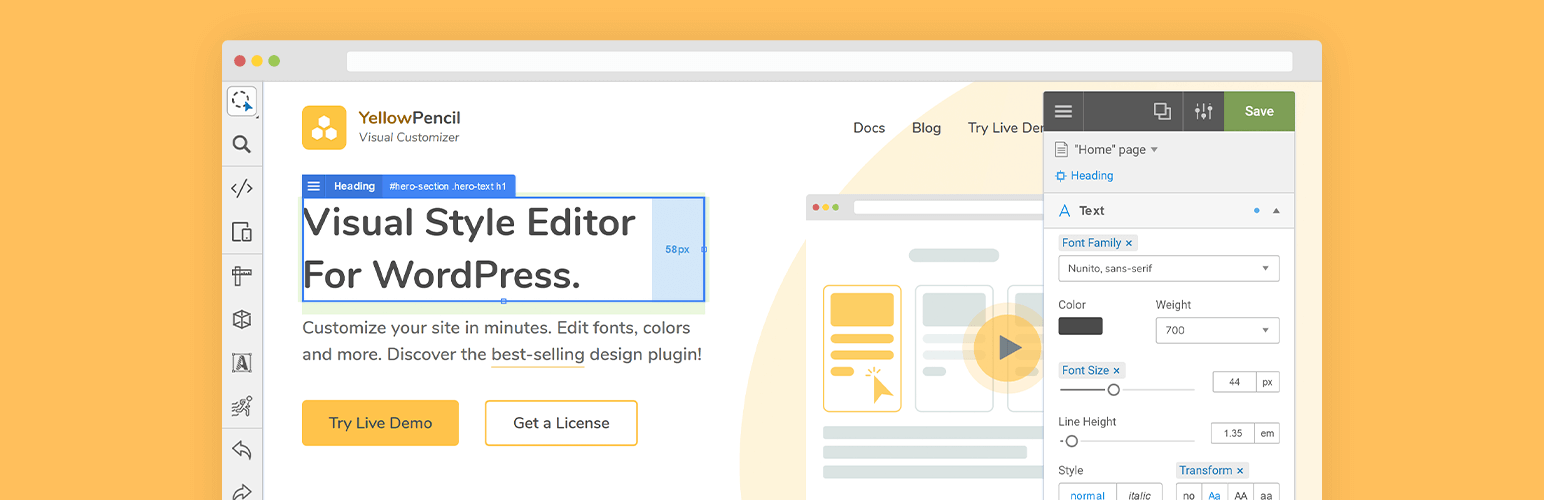

Style your WordPress site visually. Discover the most popular front-end design plugin! Try live demo.
Visual CSS Editor
The plugin allows you to customize any page and theme without coding. Click on an element and start visual editing. Adjust colors, fonts, sizes, positions and a lot more. Take full control over your website’s design with more than 60 style properties.
Key Features
- Customize any page, any element
- Customize WordPress login page
- Automatic CSS selectors
- 60+ CSS properties
- Visual Drag & Drop
- Visual Margin & Padding editing
- Live CSS editor
- Live preview
- Manage the changes
- Undo / Redo history
- Export stylesheet file
Design Tools
The plugin provides you advanced tools and ready-to-use libraries for styling your website effortlessly.
- Flexible element inspector
- Single element inspector
- Responsive tool
- Element search tool
- Measuring tool
- Wireframe view
- Design information tool
- Gradient generator (pro version)
- Animation manager (pro version)
- Animation generator (pro version)
Design Assets
Reach many design assets with one click. Customize your website’s design to fit your needs!
- 900+ Google fonts (pro version)
- 300+ Background patterns (pro version)
- Unsplash background stock images (pro version)
- Material and flat color palettes (pro version)
- 50+ Animations (pro version)
CSS Properties: Text
- Font Family (pro version)
- Font Weight
- Color (pro version)
- Text Shadow
- Font Size
- Line Height
- Font Style
- Text Align
- Text Transform
- Letter Spacing
- Word Spacing
- Text Decoration
- Text Indent
- Word Wrap
CSS Properties: Background
- Background Color (pro version)
- Background Image (pro version)
- Background Clip
- Background Blend Mode
- Background Position
- Background Size
- Background Repeat
- Background Attachment
Other CSS Properties
- Margin
- Padding
- Border
- Border Radius
- Position
- Width (pro version)
- Height (pro version)
- Lists
- Flexbox
- Animation
- Box Shadow
- Transition
- Filter
- Transform
- Opacity
- Display
- Cursor
- Float
- Clear
- Visibility
- Pointer Events
- Overflow
Compatible with any theme & plugin
This works seamlessly with almost any WordPress theme and plugin. You can use it for editing the pages that you created with the page builders.
Compatible with All Page Builders
The plugin allows you to customize the pages created with Gutenberg block editor, Elementor, or another page builder. Re-design your website today.
How does this work?
The plugin generates CSS codes like a professional web developer in the background while you are editing the web page visually.
The plugin doesn’t modify any theme file, instead of it loads the generated CSS codes to the website in a dynamic way so that you can manage the changes anytime.
Premium features
The following properties are available only in paid version;
- Font Families (Google fonts)
- Font Color
- Background Color
- Background Image
- Width & Height
- Animations
Purchase pro version now to unlock all features.
Documentation and Support
- For documentation and tutorials go to our Documentation.
- We provide very limited support on the WordPress.org forums. Please feel free to post questions or bug reports, but for timely support, we recommend purchasing a YellowPencil Pro license.
- For more information, check out our website at YellowPencil Visual CSS Style Editor.
Community
- Join our Facebook Group.
- Rate us on WordPress.






