
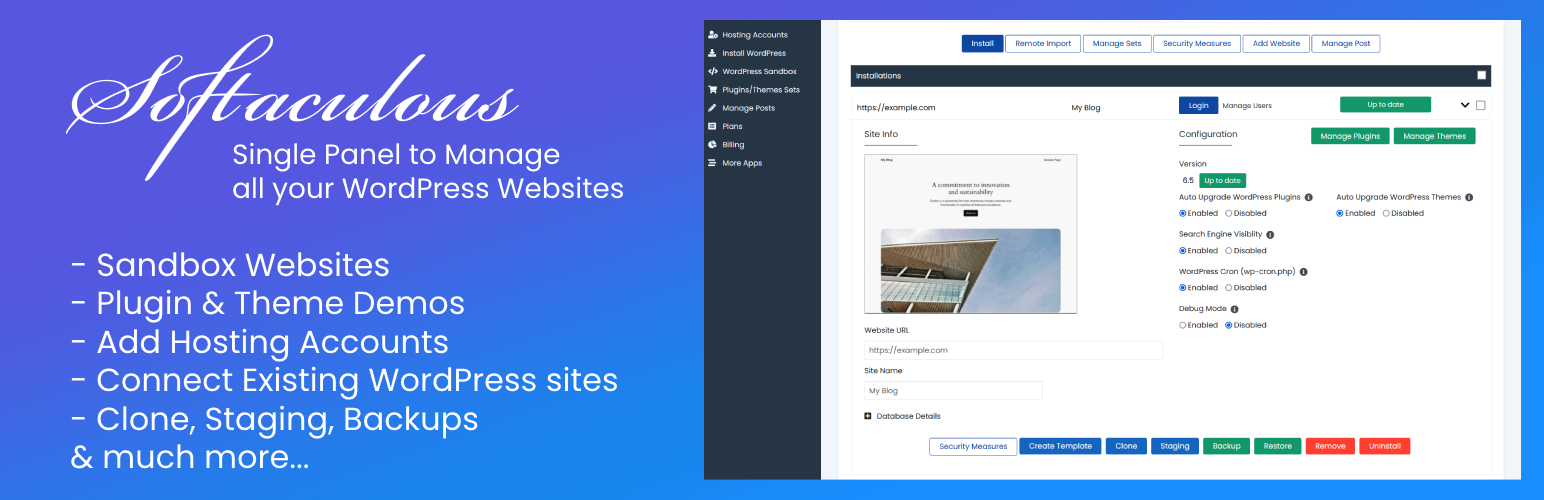

If ever you wanted a single panel to manage tons of your WordPress websites from and save the hassle to login all your website’s dashboards separately, you have it here at last. Softaculous provides a single panel where you can add infinite number of WordPress websites for free.
Key Features:
-
Entire data of all your websites can be synced in the Softaculous panel so that you may skim through the same without logging in separately. Even if you want to go into detail for any website, you can simply click and you will be logged into the website using the Single Sign On feature.
-
Should you want to activate/deactivate a plugin/theme on n number of websites, you can achieve this from the Softaculous panel using Softaculous plugin. Also, you can install and update the plugins/themes on all the websites in one go.
-
You can also create Sets of common Plugins and Themes which you want to install on multiple websites together.
-
If you are worried about losing your data anytime in the future, we, hereby, resolve all your stress by providing you with the backup feature of your websites. In an unfortunate event, when you loose your website or your website gets corrupted, you can even restore the backup taken previously.
-
A new WordPress update is out and you are all stressed up to update your websites? No worries, Softaculous helps you achieve the same without the need to go into the dashboard of each website separately.
-
[Coming Soon] Website Monitoring, Cloning, Staging, Push to Live and much more.. Please stay tuned!
Should you have any suggestions to improve Softaculous, want to see some related features in Softaculous to help you in the websites management or if you have any queries, you can open a ticket with us at https://softaculous.deskuss.com/open.php






